Photoshop's Generative Fill is great until you see the bill. ComfyUI is great until you have to work inside a node graph with a tablet.
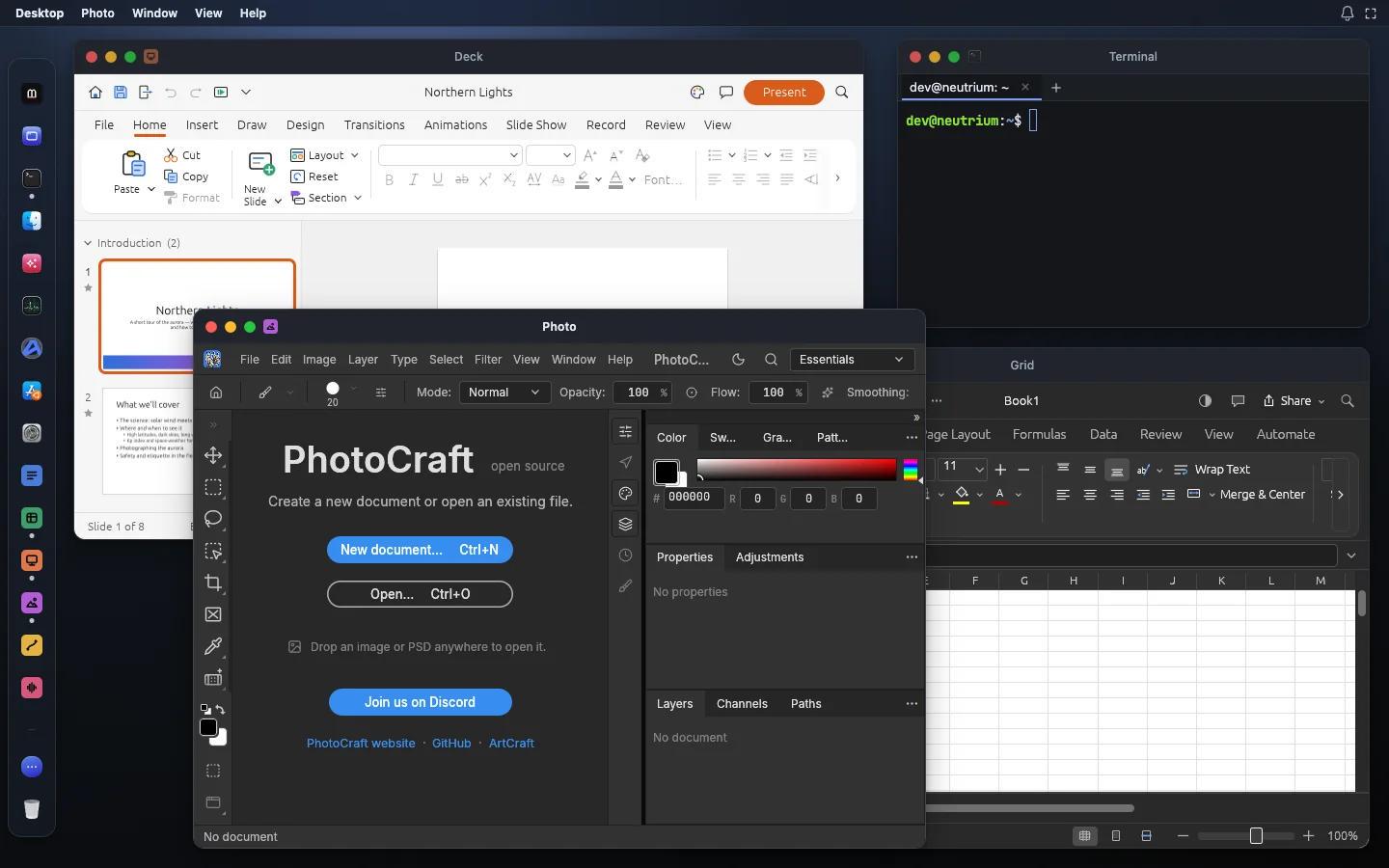
So I built StableCraft: a companion app for PhotoCraft that turns your ownn ComfyUI install into a local generative fill tool.
Make a selection in PhotoCraft — lasso, rectangular marquee, magic wand, whatever you already use — type what should be there, hit Generate. The result comes back as a new layer with a feathered mask you can paint on. No export, no tab switching. It remembers the selection if you lose it, so you can regenerate later. With no selection at all, it just does text-to-image.
HOW IT COMPARES TO FIREFLY
- Where it runs: Firefly on Adobe's servers / StableCraft on your GPU
- Your image: uploaded to Adobe / never leaves your machine
- Cost: CC subscription plus generative credits / free, unlimited
- Models: Adobe's only / 6 open models, swappable
- Selection: Photoshop's tools / any PhotoCraft selection
- Custom LoRAs: no / yes, 10 per profile
- Prompt from a reference image: no / local captioner
- Offline: no / yes
To be fair to Adobe: Firefly needs no GPU, answers in seconds, does expand and remove in one click, and Adobe indemnifies enterprise use. StableCraft needs a decent NVIDIA card (~12 GB tested), and each model keeps its own licence, so check it before commercial work.
NEW IN 0.2.15 — A LOCAL CAPTIONER
Point it at any image and it writes the prompt for you: a full generation prompt, a cinematic version, a plain description, or booru tags for LoRA datasets. It runs inside ComfyUI (Florence-2, CapRL-Qwen3VL-4B, JoyCaption 8B, Qwen3.5-9B), picks the engine per job, unloads it after. Nothing is uploaded. I use it to reverse-engineer a look from a reference before editing my own shot.
THE REST
- A gallery per layer: every generation is kept. Compare, star the good ones, switch back whenever.
- XYZ plot: A1111-style sweeps (sampler, scheduler, steps, denoise, LoRA, CFG, prompt S/R) inside PhotoCraft.
- LoRA manager: thumbnails, per-profile, up to 10.
- 6 models: FLUX.3 Klein, FLUX.2 Klein 9B, Krea 2 (General + Identity), Qwen Image 2.1, MOSS-Image, MiniMax H3, each with tested steps/CFG.
- Batch up to 16, reference image, English/French UI.
100% local. MIT. Windows and Linux. It does not fork PhotoCraft — it drives it through its control channel, so both stay updatable.
Demo (5 min): https://youtu.be/NSQNIQ6Ij0g
https://github.com/SeBL4RD/SeBL4RD-Stable_Craft
Code:
Happy to answer anything here — and if something breaks, open an issue, I read them all.