r/Bryce3D • • 14h ago

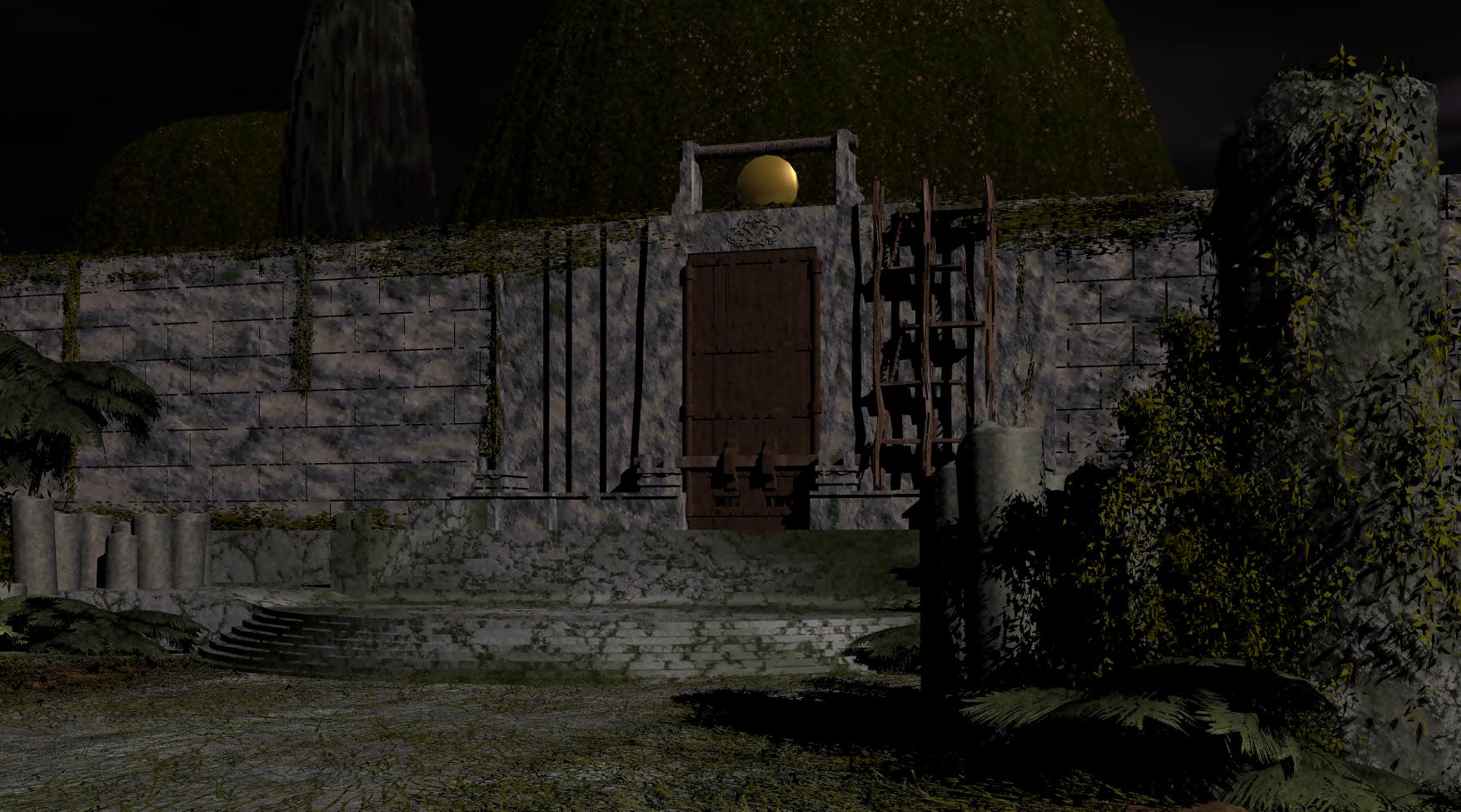
OC Image Building a Village (with real stone walls)

Thumbnail
gallery
65 Upvotes

I'm starting building a medieval village... Walls are not texture, I hate textures that dont look like a real wall and in Bryce you dont have too much options, so I'm building real walls :-)


r/Bryce3D • • 16h ago

OC Image Tea?

Post image
35 Upvotes

r/Bryce3D • • 4h ago

OC Image "The Sinking Buddha" A piece by myself, 2026.

Post image
30 Upvotes

r/Bryce3D • • 15h ago

OC Image Bryce On Film, Series 2

Thumbnail
gallery
25 Upvotes

r/Bryce3D • • 15h ago

OC Image *Ahem* I call this piece... "Bullshit Frutiger Slop"

Post image
24 Upvotes

Hooray! Gaze upon in glory....


r/Bryce3D • • 23h ago

OC Image Ever heard of Kong ?

Post image
14 Upvotes

r/Bryce3D • • 18h ago

Discussion Bryce3D models used in 3D video games

9 Upvotes

I know the the pre-rendered frames and images have been used in the past, but what about the models themselves?

Just thinking of ways to get the 90s CGI look using Bryce3D instead of blender for a 3D video game project but it looks like the juice might not be worth the squeeze unless there is something I dont understand.

Thanks ✌️


r/Bryce3D • • 14h ago

OC Image My first bryce3D render

Post image
5 Upvotes

(not promoting) made it for my insta "goldstairs" pfp


r/Bryce3D • • 14h ago

OC Image Seeking for a Rest (2026)

Thumbnail
luminimattia.com
3 Upvotes

r/Bryce3D • • 1h ago

OC Animation another dumbass animation i made in bryce3d 1997, please excuse the intro :p

Thumbnail
youtu.be
2 Upvotes

r/Bryce3D • • 5h ago

OC Animation Lighthouse / Bryce3D Animation

Thumbnail
youtube.com
1 Upvotes

Check out the channel for more animations!


r/Bryce3D • • 11h ago

Question Just installed Bryce 4 and Bryce 5.5 but there's almost no 3D models to use.

1 Upvotes

When I was looking at the tutorial to Bryce on Youtube there were many more sections like buildings, etc. How do I get those? Or am I stuck with only these?


r/Bryce3D • • 12h ago

Question Touchy Camera Control Fix?

1 Upvotes

Hi, I'm returning to Bryce after some time, running Bryce 4 in sheepshaver. I've used Bryce by various means, even real era-appropriate hardware (iMac G3) and I've always had an issue with the camera controls being far too touchy. I'm hoping with the recent resurgence in Bryce usage someone has figured out a fix for this? Or maybe whatever the intended trick for using the camera controls is, perhaps it's simply intuition I don't have as a modern computer user, none of the "track ball" style dials seem to correlate with mouse movement as I'd expect them to. Thank you!


r/Bryce3D • • 18h ago

Question Setting up network rendering on MacOS with Bryce 6

1 Upvotes

I have a bunch of PowerMacs, I'd like to set them up as network render servers. Is this possible with Bryce 6? I wasn't able to find Bryce Lightning 2 for MacOS so I figured maybe there was some other way to do it on MacOS.


r/Bryce3D • • 18h ago

Question Rendering speeds killing me

1 Upvotes

I’m running Bryce 4 on Mac 9.2 in UTM SE on an m5 iPad. I use this for actual 3d CAD and graphics for my job, so I’m familiar with its capability. I know this software wasn’t built to even utilize multiple cores but is there some way I can access faster renders? I mean, I think I’m spending like 14 minutes on a 640x480 with full anti-aliasing. I don’t totally mind the long final render time but when I’m making tiny tweaks I don’t want to wait 2 minutes to see if I think I like them through the pixelation.

Anywho. Thanks!