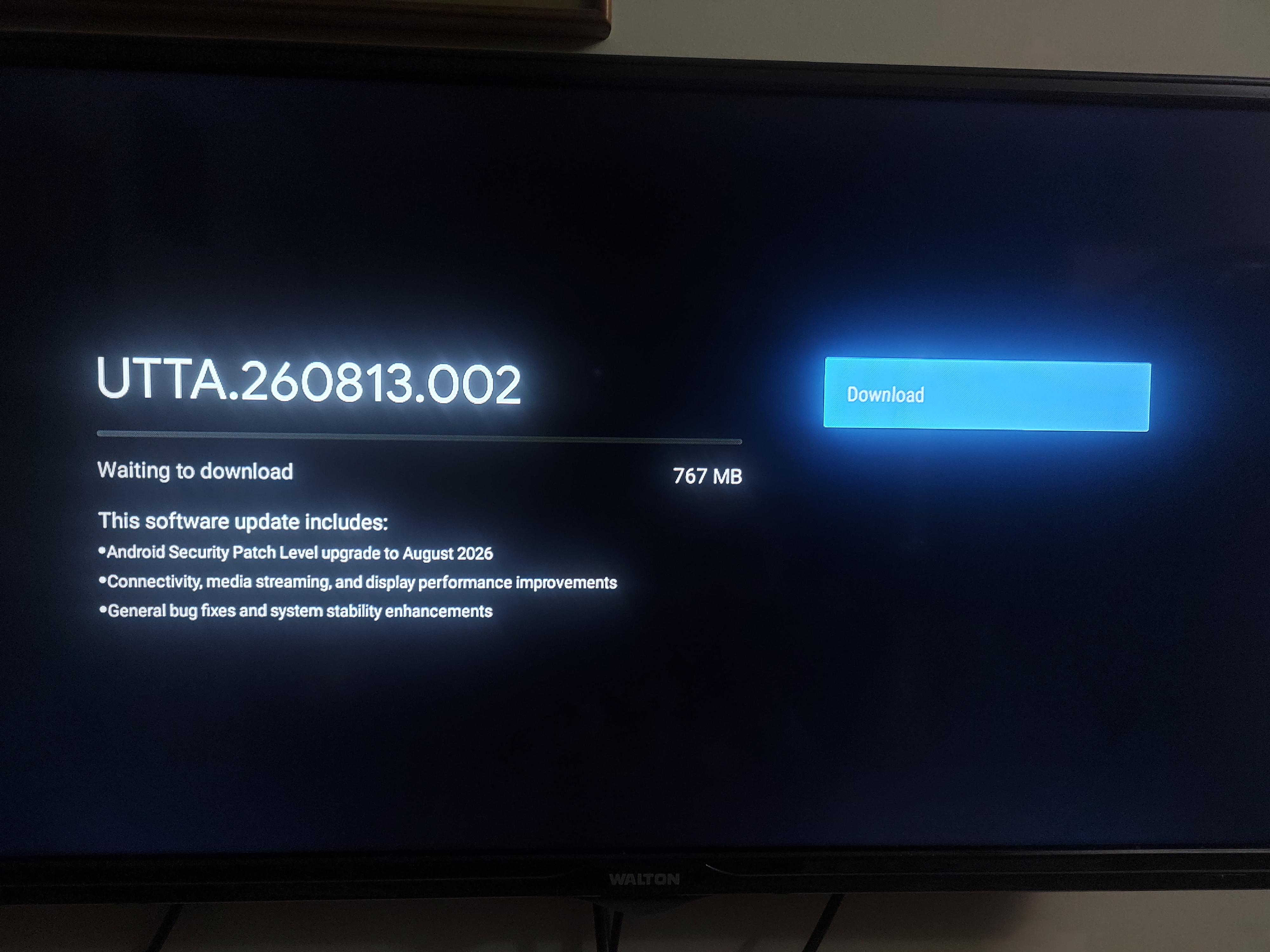
Can anyone enable accessibility services for sideloaded apps on a Chromecast with Google TV 4K running Android 14? This affects every sideloaded app I’ve tried, not just one. “Allow restricted settings” is missing. I also changed the device language to English (US); the accessibility toggle in Settings switches off immediately.
Firmware: `UTTA.260813.002`.
Main ADB checks: ```sh adb shell settings put secure enabled_accessibility_services com.lumen.tv/com.lumen.tv.OverrideService adb shell settings get secure enabled_accessibility_services
null
adb shell cmd appops get com.lumen.tv BIND_ACCESSIBILITY_SERVICE
BIND_ACCESSIBILITY_SERVICE: allow
adb shell dumpsys device_policy
No active device admins or device owner
adb logcat -d -s AccessibilityManagerService
Skipping enabling service disallowed by device admin policy
```
Is there a simple workaround, or is this a Google TV firmware issue?