r/OpenCoreLegacyPatcher • u/Arthur_Morganreal • 8h ago
Mac OS Tahoe on my 2017 5k IMac

20
Upvotes
r/OpenCoreLegacyPatcher • u/Fearless-Chemist-149 • 13h ago
I am using a Mac Pro 5,1.
After updating to OCLP 3.0.0 RC5, I tried updating to Tahoe from almost every OS since Monterey.
The default Apple GeForce GPU works fine. Are there any plans to update the Vega Frontier Edition drivers? I've seen posts saying the RX 580 works well on Tahoe, so I'm wondering if the developers have any plans to support the Vega Frontier Edition. When I update to macOS Tahoe, it reaches the boot screen fine, but freezes partway through loading. The same thing happens on Sequoia and Ventura. I feel like I've been testing this for almost a month.
r/OpenCoreLegacyPatcher • u/HBTS_Brux • 16h ago

Hi everyone,
I'm experiencing hardware acceleration issues with recent versions of Google Chrome on my MacBook Pro running macOS Sequoia through OCLP.
My current setup:
As shown in the attached screenshot, hardware acceleration is disabled, including OpenGL, WebGL, WebGPU, video decoding, video encoding and GPU compositing.
After extensive troubleshooting, I've found that:
webgl.disable-angle to true.I'm considering going back to macOS Sonoma and would appreciate some feedback from users with similar hardware.
I would prefer to keep using an up-to-date version of Chrome rather than relying on an older browser.
Any advice or first-hand experience would be greatly appreciated.
Thanks!
r/OpenCoreLegacyPatcher • u/tonyburgess1969 • 1d ago
My computer did an unauthorized, unexpected upgrade to Tahoe. Should I be worried it'll break or something like that?
r/OpenCoreLegacyPatcher • u/AndroideQ • 1d ago
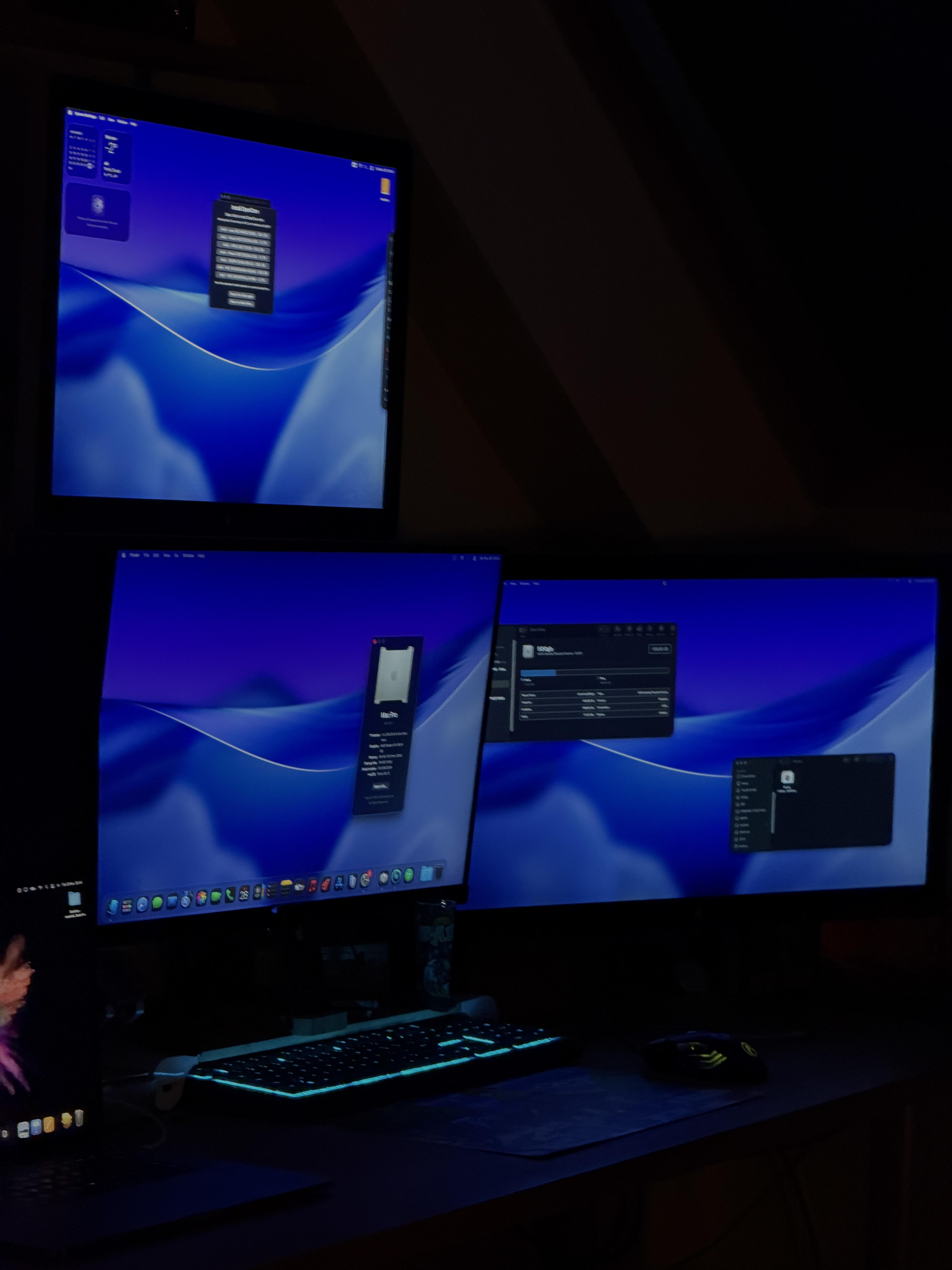
Fucked up the installation but managed to get it running ! Spent like 10h playing but runs amazing
r/OpenCoreLegacyPatcher • u/Few_Independent_3212 • 1d ago
Hi I need help installing tahoe when I get to the restart part and I get to the efi reboot thing and then it just takes me to this screen that ask me try again or change disk how do I get past that?
r/OpenCoreLegacyPatcher • u/seoulstomper • 1d ago
I'm hoping someone in this community might have a solution. Specifically I'm using my cable company's web app to watch my cable package via a browser. The video plays for a couple of seconds, then goes black. Audio works normally. This issue persists across Chrome, Safari, & DuckDuckGo. Firefox says playback is not supported and Braae throws up an error when attempting to load the video window. YouTube and other streaming sites I've tried work fine.
Does anyone know how this issue might be fixed?
r/OpenCoreLegacyPatcher • u/ANotSoFreshFeeling • 1d ago
I have a 2017 MacBook Pro that I just used OCLP to upgrade to Tahoe. I've noticed my laptop running hot and it seems to be using a TON of RAM as well. Is this normal behavior and to be expected, or should I downgrade to Sequoia? Thanks in advance for the help.
r/OpenCoreLegacyPatcher • u/PhilbinFogg • 1d ago
Hi,
I'm using a Mac Pro 5,1 running MacOS OC/Monterey. It currently uses OCLP 1.4.3, Is there anything special I need to do in order to update to 2.5.1? I've download 2,5,1 and have 3 package packages as so:
AutoPkg-Assets.pkg
OpenCore-Patcher.pkg
OpenCore-Patcher-Uninstaller.pkg
Do I need to install all 3 or just OpenCore-Patcher.pkg?
Also do I need to remove OCLP 1.4.3 before installing? I seem to remember getting caught like that in the past when updating and having to mess around it get it to work
Thanks a lot
r/OpenCoreLegacyPatcher • u/Dazzling_Comfort5734 • 2d ago

This is the last plastic Mac laptop, the unibody plastic MacBook.
I tested Mac OS X 10.13 to get a baseline, the used OCLP 3.0 RC5 to try macOS 15 Sequoia and 26 Tahoe. I didn’t have high expectations, but though it would be interesting.
Both took forever to install. Tahoe took longer. The setup assistant took almost an hour to get through. I was able to use an Apple USB keyboard and a generic mouse to get around the USB 1.1 drivers.
Once had all the patches installed, I did some basic settings changes, file browsing, web browsing, and tried both music and video playback. Whole Sequoia felt a lot snappier, it could not play any music or videos on YouTube, but Tahoe could. Tahoe was definitely much slower overall, but could handle 480 videos.
Looking at Activity Monitor, it looks like total memory isn’t a factor (I’m sure meme speed is), but the CPUs were basically maxed out all the time, even after waiting 24+ hours to make sure Spotlight was finished indexing. I do have 16GB that I can throw in it, but I don’t think it’ll make a difference.
I’m not a fan of Liquid Glass, but I do think that the light mode Liquid Glass matches the hardware pretty nicely. The corner radii at almost the same as the MacBooks.
I think next I’m going to try macOS 12 Monterey, as I have it running well on a 2012 MacBook Air. I was really hoping to get at least Sequoia running well on it, but i wouldn’t consider it fast enough for any real use.
Anyway, I hope someone finds this interesting, or helps them decide if they want to attempt this. I’m not sure when I’ll find time to install Monterey, but I’ll report back.
r/OpenCoreLegacyPatcher • u/Collyn2 • 2d ago

This is way more useable than I expected with the GTX 285. What are some good gpus options for this machine?
r/OpenCoreLegacyPatcher • u/AndroideQ • 2d ago

I tried the settings uptade method with the new OLCP beta installed but it somehow got stuck and now I cannot boot any drive it shows me it is still on Sonoma but in recovery it is listed as 26.3 Tahoe drive… and while I try to boot the drive (I suppose installer)
It just doesn’t boot
So might have to just wipe and install from the usb o guess…
Or maybe you have some ideas for a fix
r/OpenCoreLegacyPatcher • u/Mobile_Ad_861 • 2d ago
Salut les gars j'ai un macbook air 2013 qui a maintenant l'ancienne version je pense OX 10 et je veux installer oclp pour le rendre plus moderne ms je ne sais pas grand chose sur ce logiciel, si vous pourriez m'aider svp
r/OpenCoreLegacyPatcher • u/the_dark_Knight_1992 • 3d ago

Hi everyone,
Looking for a tutorial or step-by-step guide on how to recover my Mid-2012 15-inch MacBook Pro (MacBookPro9,1) running macOS Sequoia 15.4 (24E263) using a bootable OCLP USB.
What happened:
r/OpenCoreLegacyPatcher • u/Sev_Cataldo • 3d ago
Conseguí a través de una venta de garaje un Mac Mini Late 2014 con 8 GB RAM, un SSD de 256 GB NVME M2, Intel i5 de 4ta Generación. La persona lo había comprado con Linux Mint instalado, y no se manejaba en el entorno, así que aceptó mi oferta. Ocurrió que cuando le instalé MacOS Big Sur para poder ocupar OpenCore Legacy Patcher me salió un mensaje en la pantalla de bienvenida, que el equipo era de una empresa (Blue Apron), así que no podía pasar de esa pantalla. Luego de ver varios videos me las arreglé para pasarme esa pantalla (gracias hindús), y pude instalar MacOS Ventura en el proceso, nuevamente usando el método de los videos para evitarme ese mensaje. Ahora de tanto en tanto (no tan frecuente) me aparece una notificación de que este dispositivo puede utilizarse remotamente o algo así, y al pulsar la notificación me lleva a una pantalla donde debo aceptar o rechazar (yo rechazo obviamente). Me comuniqué con la empresa a través de correo electrónico para saber como hacerles entrega del equipo o si ellos podían liberarlo, ya que el MacMini no tiene ningún dato de ellos en el SSD (que ni siquiera era el original con el que venía), pero soy de un sector donde se me hace dificil hacer un envío (y no tengo el dinero como para poder hacerlo) así que apelé a su generosidad (aunque si debo entregarlo no tendría problemas). Aún no recibo respuesta de ellos. Mis dudas son ¿Existe un riesgo real de bloqueo considerando que el Mac es antiguo y está formateado? ¿Pueden ellos acceder a mi información personal aún sin aceptar ese mensaje? El Mac incluso tiene el Find My activado con mi Apple ID, acceso a Wi-Fi mediante Mobile Hotspot solamente así que algunas veces no está conectado a Internet. De antemano muchas gracias.
r/OpenCoreLegacyPatcher • u/Ok_Ad_1345 • 3d ago

I am using a MacBook Pro 2015 with AMD GPU and 2.5ghz CPU and I haven't been able to test if it works on other versions but anytime I start sims 4 it crashes as soon as I press new game
so far I've tried reinstalling the patches, lowering graphics, and switching to only the intel GPU it flashes red before crashing any fixes? image of error below
r/OpenCoreLegacyPatcher • u/Individual-Sorbet637 • 3d ago
r/OpenCoreLegacyPatcher • u/mattjphotos • 4d ago
Which one do i get? the macbook 12” i think its from 2015 but i dont wanna lose much on the performance side, so how is it? i like the slim design a lot and dont care much about the keyboard. can get the macbook pro for about 60€ and the 12” for about 80 i think
r/OpenCoreLegacyPatcher • u/mattjphotos • 4d ago
i was thinking 13” mbp 2015 with 8gb ram (cant find one with 16 yet) but idk is it enough?
r/OpenCoreLegacyPatcher • u/Almanepper • 5d ago
Is it safe to update?
