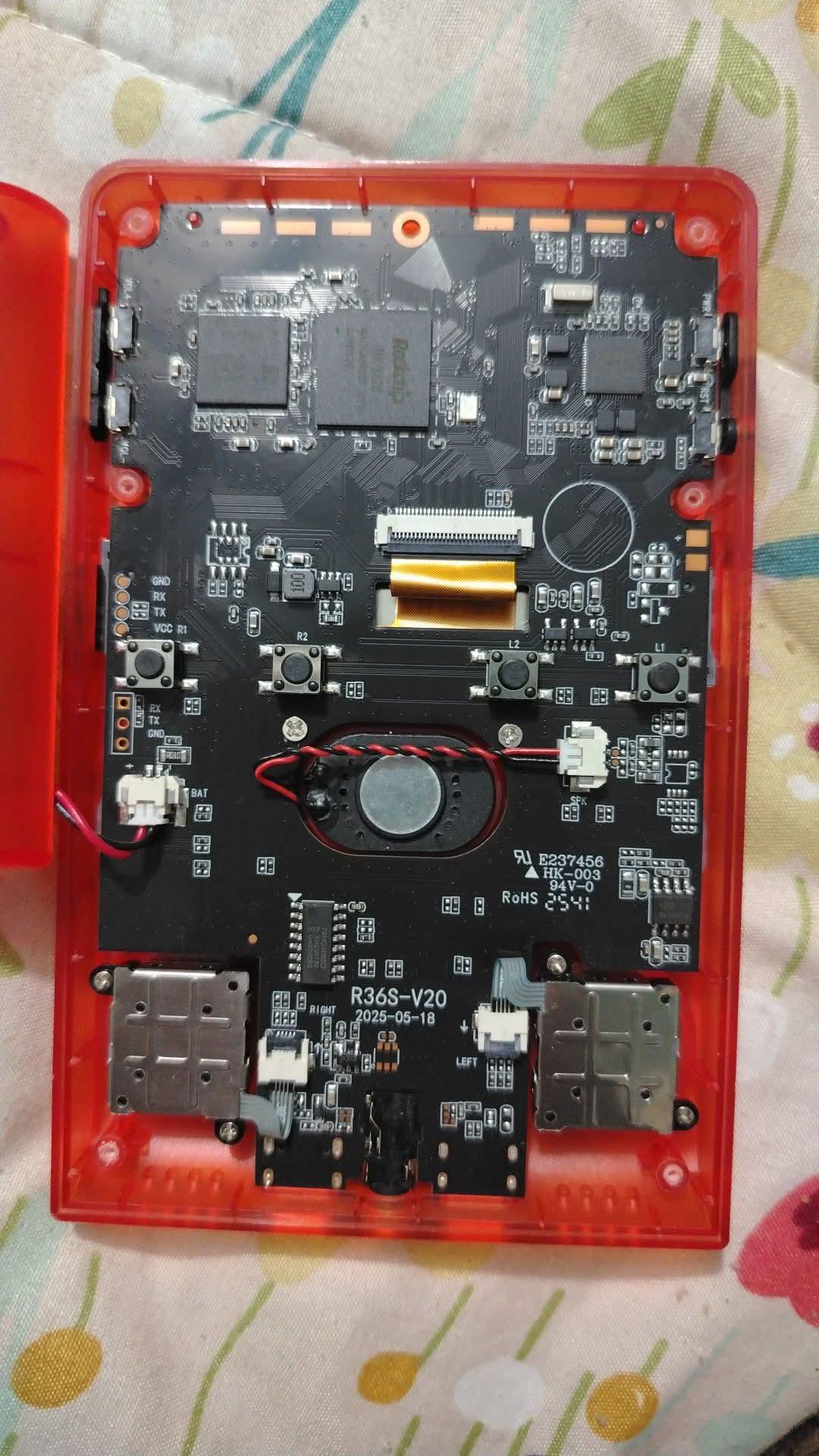
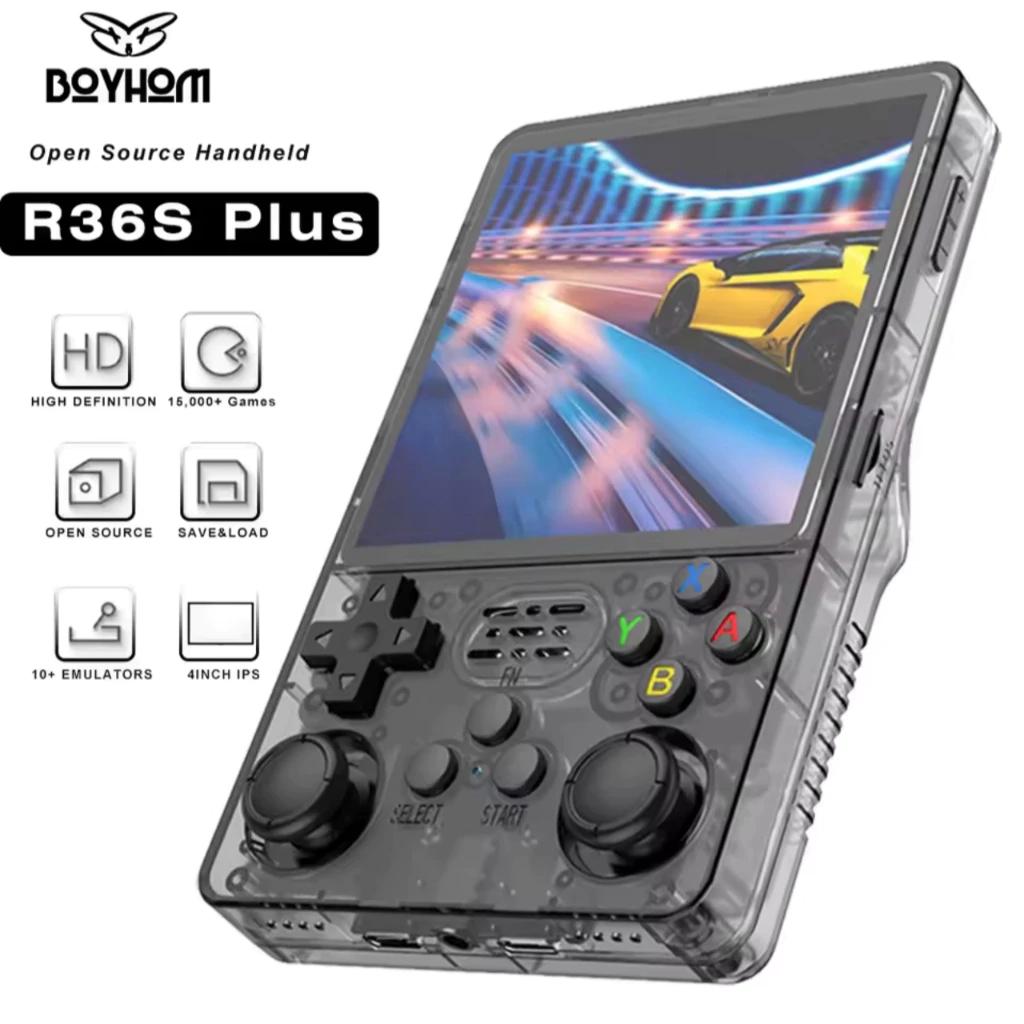
I had some extra usage this week, so I started working on this port with the help of Claude. The result is dcrt, a native runtime that runs the PS Vita version of Dragon's Crown on ARM32 Linux handhelds through PortMaster. No emulator: the Vita game code runs directly on the device. It's an early build, so testers are very welcome.
Requirements
* Your own Dragon's Crown USA copy (`PCSE00019`), decrypted. No game files are included.
* A Vita or PS TV that runs homebrew, to dump your game
* PortMaster installed
* An OpenGL ES 3.1 GPU (RK3326 / RK3562 / RK3566)
Preparing your game
Dump and decrypt your copy by following the Vita3K Quickstart. FAGDec + VitaShell is the recommended method. A NoNpDrm dump or Vita3K's installed files won't work as they are, because their `eboot.bin` is still encrypted.
To check it: a decrypted `eboot.bin` usually starts with `7F 45 4C 46` (ELF) in a hex editor. If the port stops with "segment N is encrypted", it isn't decrypted yet.
Installation
- Extract the release zip straight into your `ports` folder (`EASYROMS/ports` on ArkOS/dArkOS, `roms/ports` on ROCKNIX/AmberELEC).
- Copy everything inside your decrypted `PCSE00019` folder (`eboot.bin`, `sce_sys/` and the data folders) into `ports/dragonscrown/gamedata/`. Don't add an extra PCSE00019 folder level.
- Make sure `ports/dragonscrown/gamedata/eboot.bin` exists.
- Refresh your game list and launch Dragons Crown from Ports. The first start takes longer while shaders build.
Controls
* D-Pad / Left stick: move
* A / B / X / Y: Circle / Cross / Triangle / Square
* L1 / R1: L / R
* Select + L1 + R1 (hold 1s): manual save backup
* Select + Start: quit and log performance
There's no touchscreen support.
Status
* Tested on dArkOS (O30S). AmberELEC, muOS, ROCKNIX and Knulli are untested.
* O30S: about 21-29 fps in stages (23.5 average), and the game keeps its normal speed.
* Saves are written safely and backed up automatically. Import Save on the title menu takes backups and Apollo exports.
* `performance=1` for speed mode, `performance=0` for visual mode.
* Logs go to `ports/dragonscrown/log.txt`.
Bug reports and performance results from other devices are really helpful. Please attach your `log.txt` to a GitHub issue.
Download and full guide: https://github.com/AeolusUX/dragonscrown-r36s/releases