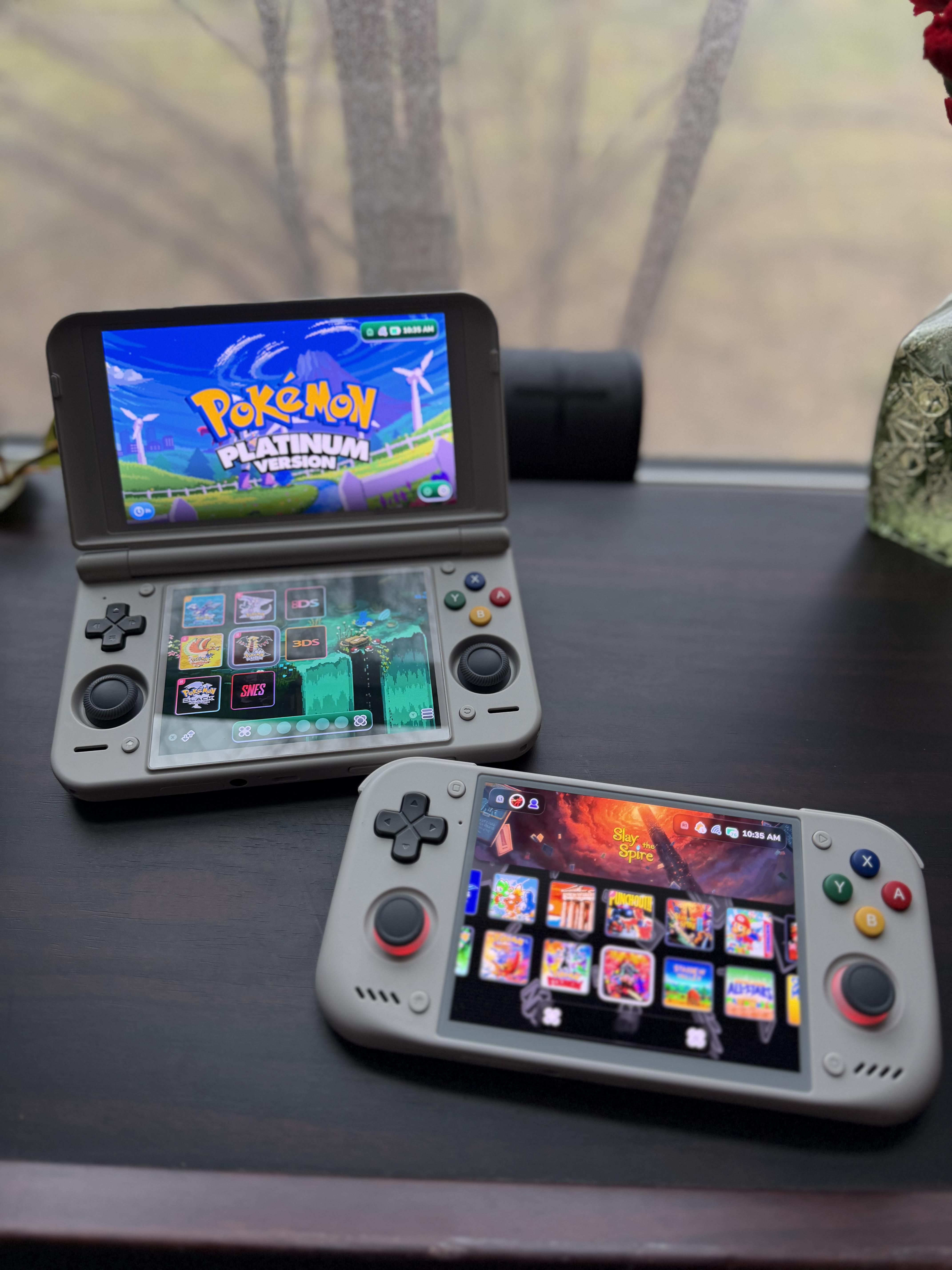
Hey guys, just wanted to share a crazy fix I just pulled off on my RP3+ in case anyone else is dealing with a "bricked" unit and about to give up on the motherboard.
My RP3+ was stuck in an endless boot loop on the Retroid logo, and I tried literally every single community tip out there before opening it up:
- Charged the battery directly on a bench power supply all the way up to 4.2V just to rule out low voltage / BMS issues.
- Did every power cycle and button combo imaginable—zero luck, it wouldn't enter Recovery mode or boot into fastboot/bootloader at all.
- Flashed the stock firmware over and over using SPD ResearchDownload, including full Erase All / repartition and locking/unlocking the bootloader via autoloader multiple times. Every flash succeeded, yet it still froze on the exact same boot logo.
At that point I figured the board was toast, so I opened it up and started disconnecting components one by one to see if something was pulling a rail down. Turns out, the touchscreen digitizer flex cable (picture above) had a shorted touch IC (it was getting noticeably warm) and was hanging the entire system during early boot.
The moment I unplugged that touch flex cable, the console booted straight into Android on the very first try!
Obviously, the downside is losing touchscreen functionality (unless you replace the whole front screen assembly), so you'll need an OTG mouse/keyboard or the built-in virtual mouse mode for the initial setup—like connecting to Wi-Fi, calibrating the sticks, and setting up a controller-friendly frontend like Daijisho.
But honestly? For a console I thought was dead, losing touch and still being able to play everything using the physical controls is a massive win. Just isolate the loose flex end with some Kapton tape before closing it back up so it doesn't short against anything. Hope this saves someone's RP3+!
Note: Even if the touch flex isn't the culprit on your unit, another shorted peripheral can cause the exact same boot hang. It's definitely worth doing a barebones bench test by unplugging everything possible from the motherboard (daughterboards, speakers, rumble motor, etc.)—leaving only the battery and the main LCD display flex connected—to isolate the fault before condemning the mainboard.