r/iOSWidgets • • 1h ago

Homescreen How to create a dock menu on your iPhone

Thumbnail
gallery
5 Upvotes

Get this homescreen setup on your iPhone: https://ko-fi.com/s/069a99e099


r/iOSWidgets • • 6h ago

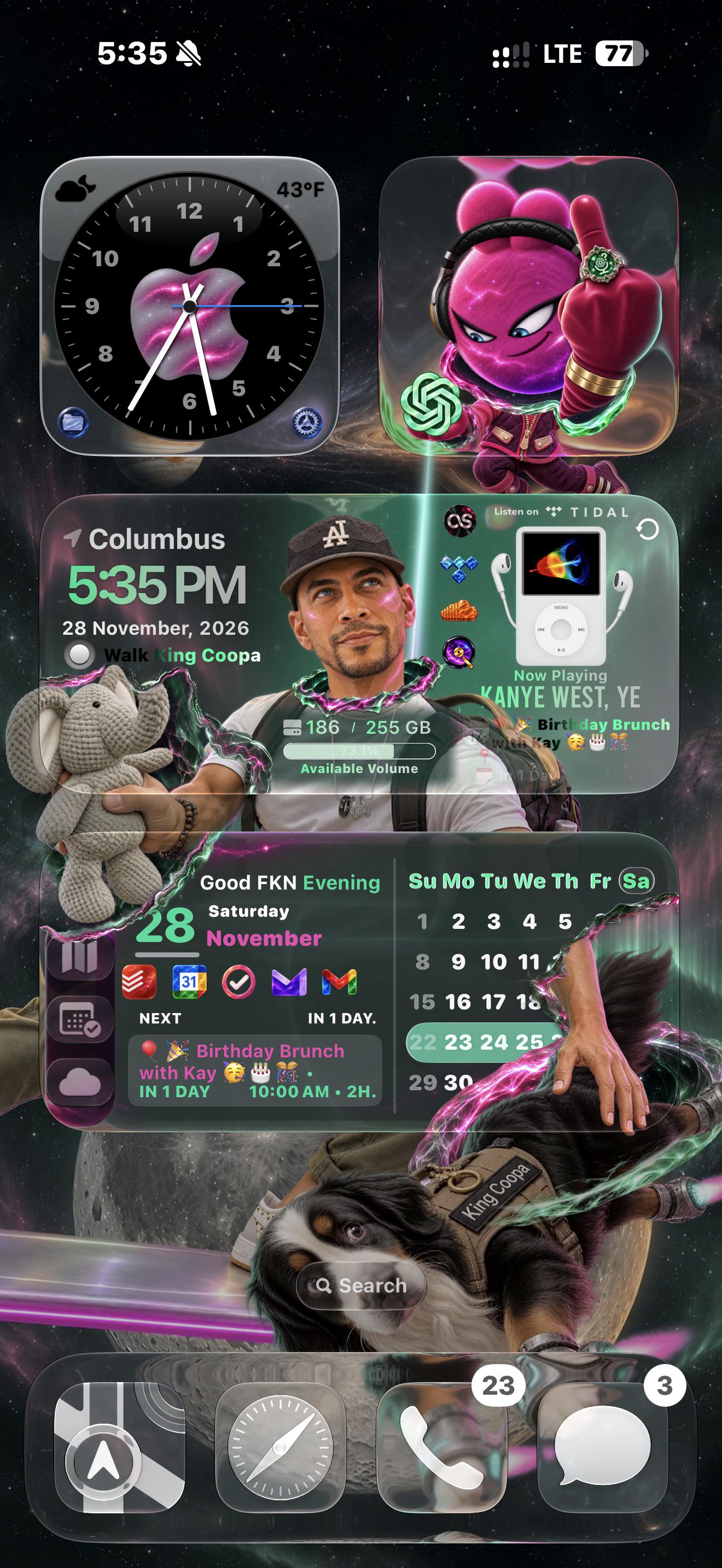
Help Me Find Stock calendario widget

Post image
1 Upvotes

Hi I’ve seen many setups with this today+month calendar widget. People say it’s from the stock app but it’s not on my widget list on iOS 27.2.1. Any help?

Thanks


r/iOSWidgets • • 7h ago

Homescreen My current Home Screen set up 🍭

Thumbnail
gallery
6 Upvotes

Peppermint Icons with Vantage Frame


r/iOSWidgets • • 11h ago Bravo

App/ Testflight Christmas Update: Festive tanks, props, and snow in the app for your widget aquariums, and 50% off Lifetime Sale 🎄🎁⛄

4 Upvotes

What Companions is:
Apple limits animations on iOS widgets. Companions lets you keep a virtual fishtank on your Homescreen, filled with fish that actually swim around.

There are 50 fish to choose from, and it supports small, medium, large, and now even extra large widgets as “tank sizes”. The fish don't need any feeding, and they don't die (as to not be annoying, but the option is there for fun). They just keep you company. You can customize the tank’s color, its props, layout, and even the app icon to match your Home Screen perfectly.

The app is fully written in SwiftUI, it supports iPads, and you can even place your “fishtanks” on your Mac thanks to Continuity, where the fish will also animate. The tanks also work great in Standby mode. Personally, I keep a fishtank of jellyfish on my nightstand when I go to bed. The swimming doesn't run any code in the background. It uses the same trick iOS uses to move the hands on the Clock widget, so it costs you nothing in battery.

What's new: ❄️
To celebrate Christmas, we’ve decided to add a set of new festive props and tank background colors! We’ve also added snow to the main homepage of the app! The snow is interactable and builds up on top of your tanks, so be sure to move your tanks to brush it off!

As always, all props and tank customization are free! We’ve also decided to run our first-ever sale as a test for the holidays. You can click this link to get 50% off the lifetime purchase:

50% off Lifetime:
https://apps.apple.com/redeem?ctx=offercodes&id=6811950512&code=CHRISTMAS

Download Companions here:
https://apps.apple.com/us/app/companions-widget-pets/id6811950512


r/iOSWidgets • • 19h ago

Help does anyone know how to add the uv index to the lockscreen.

1 Upvotes

i like to tan in boca


r/iOSWidgets • • 21h ago

Widgy Holiday social burnout, needed some space..

Post image
1 Upvotes

r/iOSWidgets • • 1d ago

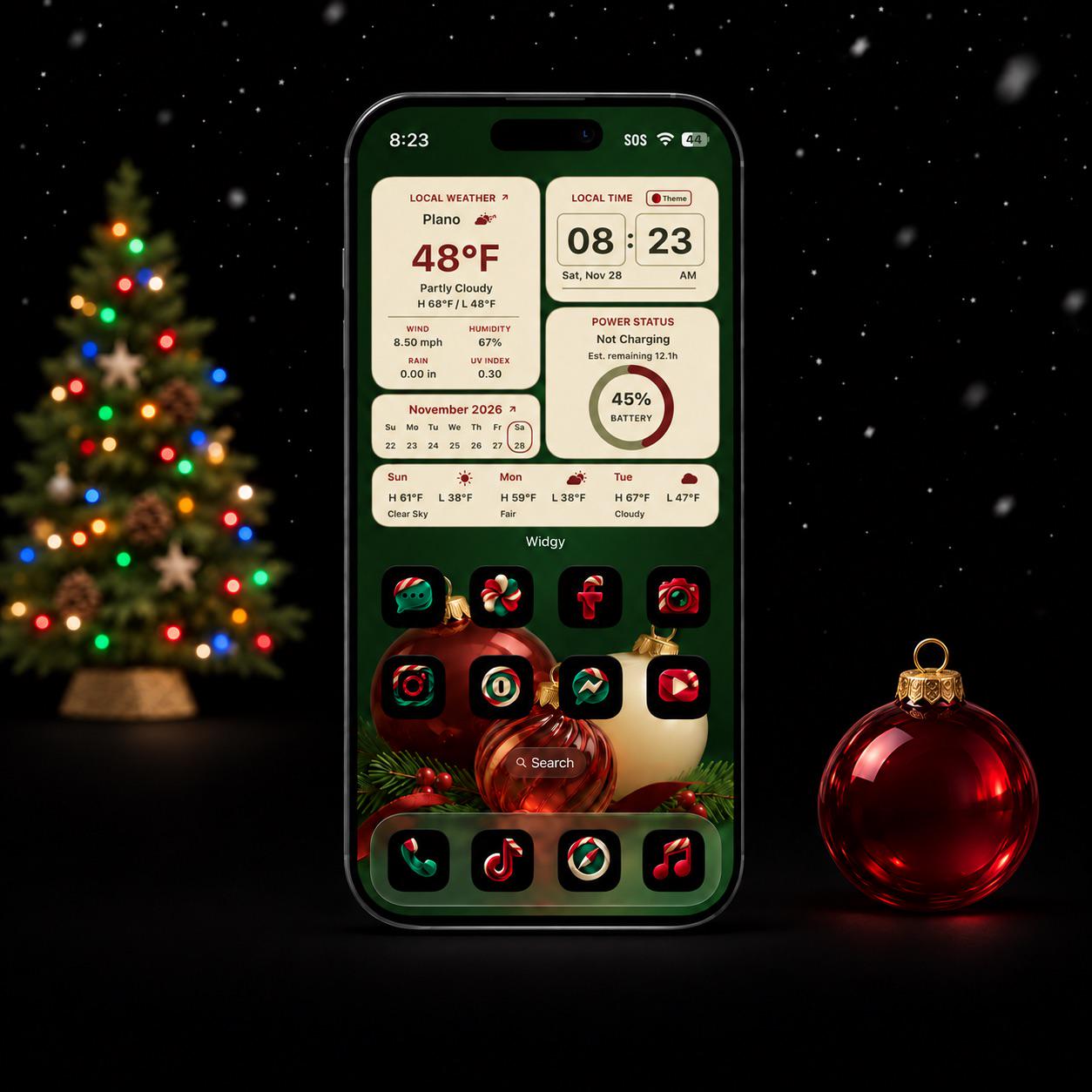
Widgy Holiday Set up ☃️

Post image
9 Upvotes

Holiday Chromafold Peppermint icons 🍬


r/iOSWidgets • • 1d ago

Homescreen Nuevo widget para el fin de semana

Post image
1 Upvotes

r/iOSWidgets • • 1d ago

Homescreen Today’s setup

Thumbnail
gallery
2 Upvotes

Swipe left for wallpaper


r/iOSWidgets • • 1d ago

App/ Testflight Hand drawn time left | time since widgets. 15+ styles

Post image
3 Upvotes

r/iOSWidgets • • 2d ago

Other My launcher widget with a transparent background – one clean page for all my apps

Post image
5 Upvotes

Here's my Home Screen with Simple GridLauncher, a widget I built because I wanted one clean launcher page instead of pages of icons.

  • Full-width grid of apps and websites, with a transparent background so the wallpaper shows through
  • Opens most apps directly via URL schemes, with no Shortcuts setup needed
  • iPhone and iPad, including iPhone Duo

I'm the developer. It's free for 30 days, then a one-time $1.99 unlock, no subscription.
https://apps.apple.com/app/simple-gridlauncher/id6820477544


r/iOSWidgets • • 2d ago

News Made a widget so I never have to search for my loyalty cards at checkout again

Post image
0 Upvotes

Tap the widget → card shows up → scan at checkout. That's it. 🙌
I built this because I was always fumbling for loyalty cards at the register. The widget shows your most-used card right on the home screen, no need to open the app first.
Would love your feedback on the design. What would make it look better on your setup? Different sizes, colors, a minimal style?


r/iOSWidgets • • 2d ago

Homescreen Today’s setup

Thumbnail
gallery
0 Upvotes

Swipe left for wallpaper


r/iOSWidgets • • 2d ago

App/ Testflight Interactive lock screen widgets tick things when your phone is in your pocket. Here's how I handled it

1 Upvotes

Disclosure: I'm the developer, solo. The app is Fridge: Lock Screen Notes.

A checklist you can tick from the lock screen has one obvious problem: you can tick it without meaning to. You pull the phone out, your thumb lands on a row, and the item jumps to the bottom of the list before you've read what it was.

The widget now gives you five ways to handle a tap, in Settings › Note on screen › Ticking outside the app:

  • Tick, pause, then drop (the default): the row ticks and stays where it is for a few seconds. Tap it again in that time to undo. Then it drops to the bottom.
  • Tap twice to tick: the first tap marks the row, and a second tap within a few seconds ticks it.
  • Tick on the box only: taps on the text do nothing.
  • Tick and drop at once, if you never mis-tap.
  • Off, if you only want to read the list on the lock screen.

The fiddly part was that a widget can't run a timer. The pause is stored in the note and settled whenever the widget redraws, so a row you ticked can't stay stuck halfway.

It's free for two notes. Plus is $0.99 a month or $2.99 a year in the US, or a one-time purchase, which is $2.99 until December 1.

https://apps.apple.com/app/apple-store/id6794317782?pt=128535281&ct=fridge-reddit-ioswidgets&mt=8

For anyone else using interactive widgets: which ones have you tapped by accident, and did they let you undo it?


r/iOSWidgets • • 2d ago Heartwarming

2x2 Widget Some cute widgets with transparent backgrounds

Thumbnail
gallery
1 Upvotes

r/iOSWidgets • • 3d ago

App/ Testflight Clean widgets

Thumbnail
gallery
11 Upvotes

r/iOSWidgets • • 3d ago

Widgy Vantage Panel - Theme/ Tap shortcut

Thumbnail
gallery
8 Upvotes

The pack now has 3 iPhone Widgys, 6 color palettes you can switch between with a tap, and 9 wallpapers.
You can also tap straight into Weather or Calendar from the widget.

If you already own it, grab the free update from your original purchase.

Which colorway would you put on your Home Screen?
Check it out here: Vantage Panel


r/iOSWidgets • • 3d ago

Homescreen Today’s setup

Thumbnail
gallery
3 Upvotes

Swipe left for wallpaper


r/iOSWidgets • • 3d ago

Homescreen ios纯原生实现的文件夹动画分享

0 Upvotes

一个桌面小组件App的文件夹动画分享~


r/iOSWidgets • • 3d ago

Help Me Find Which iPhone widgets let you finish a household task in one tap?

1 Upvotes

I came across Plant Buddha's widget that logs a watering right from the Home Screen. I'm looking for the same idea for other household stuff, like adding a regular grocery item, logging a chore, or starting a preset timer.

Which widgets do you keep for this, and how do they show that the tap worked? A little confirmation matters when it's easy to tap twice.


r/iOSWidgets • • 4d ago

App/ Testflight AmbientAI: Unlimited AI Art Streams for your Home Screen

Post image
1 Upvotes

r/iOSWidgets • • 4d ago

Homescreen My Health & Fitness Widget Collection – Minimal, Clean & Useful

5 Upvotes

r/iOSWidgets • • 4d ago

Help “EXPLORE” ???

Thumbnail reddit.com
1 Upvotes

No WIDGY “EXPLORE” widgets ?
“Explore” window says.
“No Results” Help ! •