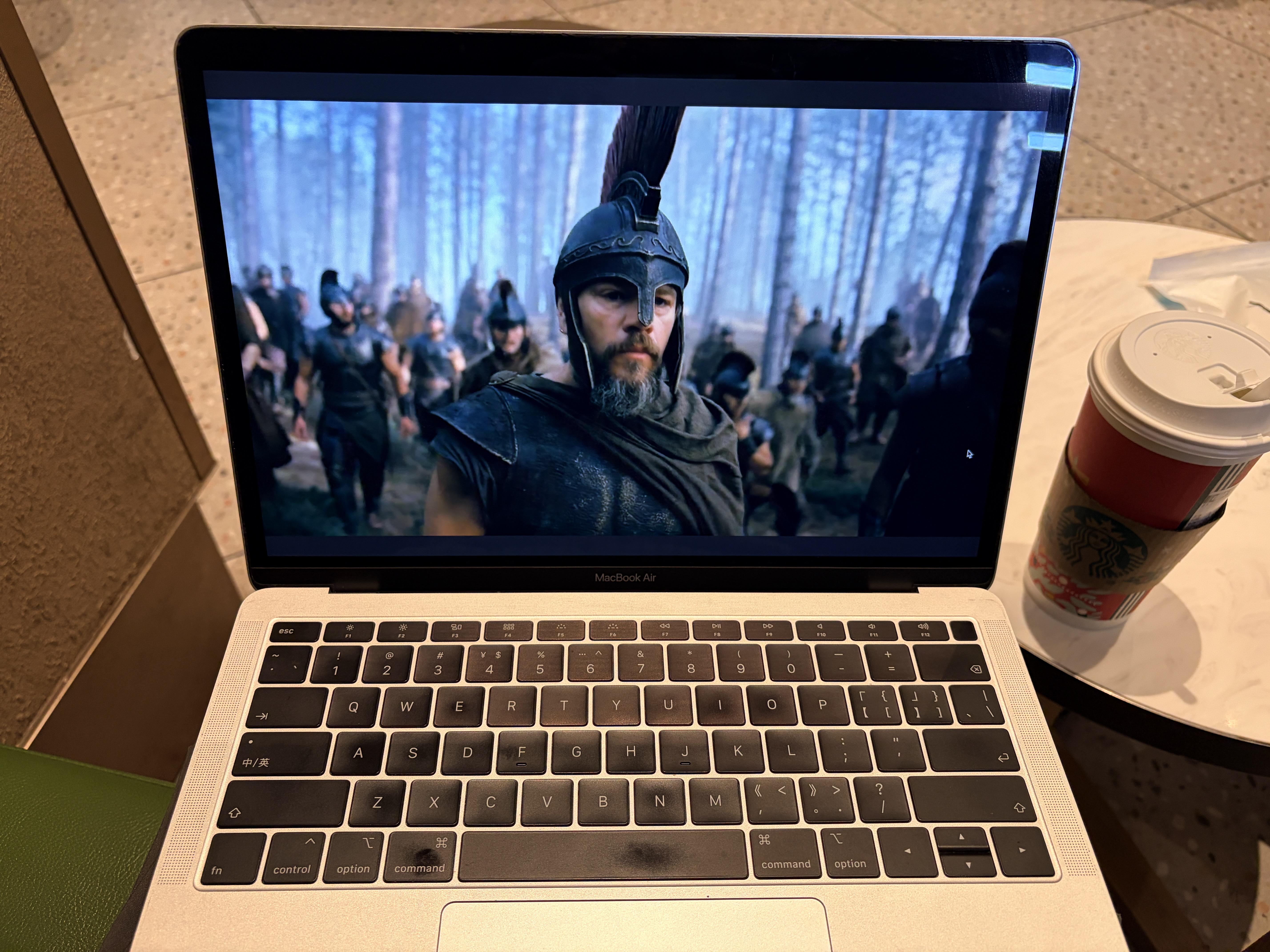
r/macsetups • u/itsvelora • 21h ago
My Simple Setup

214
Upvotes
r/macsetups • u/wannabe_cracked_dev • 18h ago

Made this over a few years.
Monitor from old pc, everything else was basically bought after the Mac!
r/macsetups • u/livonskien • 11h ago
If you use a non-Apple external monitor with an M-series MacBook or Mac mini (or plan to), this one's for you. If not, feel free to skip it, or read along if you're curious.
Have you ever tried to change the brightness of your external monitor from your Mac? Out of the box, you can't. The brightness keys do nothing, and the brightness slider in Control Center and System Settings works for your built-in screen but stays greyed out for your external display. macOS only supports native brightness control on Apple's own monitors (Studio Display, Pro Display XDR) and the LG UltraFine 5K. Those are gorgeous displays, but I wasn't going to spend that kind of money just for a brightness slider, and I'm guessing most of you aren't either. (If you did, I'm jealous.)
So for the past year I've been trying to make my external monitor behave like an Apple display. Specifically, I wanted:
I tried everything I could find. The popular apps get close, but none of them gets all the way there:
So I went down the rabbit hole of figuring out how Apple's displays get native brightness control when almost no other monitor does.
The result is Candela. With it, your external monitor behaves like an Apple display: the brightness keys, the real macOS OSD, and the Control Center slider all just work. Think of the app as a driver for your external display.
I don't think anyone should pay for something before knowing it works on their setup, so Candela comes with a free 14-day trial. If you like it, it's a one-time purchase of $3.49 / €3.49 after that. I've put a lot of hours into this, and charging a small amount lets me keep it working as macOS changes. I hope that feels fair.
Download link: https://livoni.software/candela
I’m the developer, so I'd love your feedback, bug reports, and questions about how it works!
Best Sebastian
r/macsetups • u/Cindori • 15h ago


Made an app that puts interactive live wallpapers on your Mac desktop and Lock Screen. It finally made my long-held dream of a frutiger-aero-aqua macOS come true 🫧
r/macsetups • u/GoliathNoMore • 1d ago

Switched to an Air recently, and subsequently got rid of my old mech keyboard (wrist issues) and my old mouse. I use the laptop on the bed/the couch a lot of the time, but I’m open to any ergonomic recommendations.
I am considering a riser for the monitor (i mostly just consume media on it), as well as the Logitech MX Keys. However, I got used to the Macbook keyboard pretty quickly and I really love it. The Retina is also really crisp, so I would like to use the 15" display as my main.
Anyway, very happy with the ecosystem.
r/macsetups • u/ijios • 1d ago

Product Details
I'm currently using the Samsung Odyssey G5, a great-value monitor. At first the text was hard to read and the picture quality was poor, so after trying a lot of things, I got as much performance out of it as I could. (There are buttons on the back of the Samsung monitor, and you'll need to use them to adjust the monitor's own settings. I set the Black Equalizer to 0.)
r/macsetups • u/DiecastCoffee • 2d ago

Studio desk setup of the moment. All 3 screens are connected via MacOS Continuity. MacBook Pro with PROLED XDR has the best display and touch support so it’s in the front and center, great for iOS simulator.
r/macsetups • u/tomeversley • 3d ago

Full setup breakdown: M5 MacBookPro, Apple Studio Display, BenQ ScreenBar Pro, Raico desk shelf + aluminium tray, NuPhy Node 75 keyboard, MX Master 4 mouse, Harber London leather desk mat, Majority Audio D50X speakers. The desk itself is an IKEA Trotten.
r/macsetups • u/xfunl • 3d ago

I wanted a riser that didn't look like a plain block, and the Parthenon felt like a fun match for a display that already costs as much as a small temple. 😄 Bonus points when the wallpaper matches.
A few details for the curious:
• Adds about 9 cm of height
• 3d printed
Happy to answer any questions about the design or the print!
It’s been a year. Still strong and stable.
r/macsetups • u/MoonlightSonata007 • 4d ago

2 studio displays, 1studio, uplift desk 60”x30”, Herman miller embody chair and a Master Chief
r/macsetups • u/ObsidianGranite • 5d ago

I have my HS5 speakers far enough apart that there is good left and right seperation, but not so far that the middle of mixes doesn't sound right. My interface is a Focusrite. I have an 8bitdo SN30pro charging in this picture from a charging thingy on the ground. I have my PS3 controller charging on the right. I don't set my Lightcube to be too bright and I usually leave it on the red setting. My Badlander 50 head is plugged into my Focusrite interface with a super long Mic cable. The thing infront of my computer is a shungite ball on a stabalizing ring. The DIY panels behind my Monitor and speakers has Rockwool in them.
My 4tb storage device used to be ontop of my monitor's base, but it would create too much heat. I have Macs Fan controll which I usually have custom settings on for so it doesn't make my Monitor so hot that the monitor has very reduced performance. When I use my CD player I have my monitor off so it doesn't really matter so much about the heat and I wait until my monitor cools down after using my CD player before I use it. My rooms stay colder in the winter overall, but not so cold that I get frost bite. The heater in my house barley heats my room even when it's at a hot setting. 🤣😂 OLD AF and Inefficient system! Most of my electronic stuff heats up the room somewhat anyways in the winter, but not so much that I get sweaty because of them. In the summer is when heat from my electronic stuff can make the room get cringy hot, I have very old and bad insulation in the walls in my rooms. 🤣😂 At least I prefer when it's colder in my rooms plus winter lasts so long where I live.
I tried to capture the light of my monitor more correctly, but the actual lighting in my room is somewhat brighter when it's on. To capture the true image brightness of a monitor you need to always lower the iso and speed for a camera from the normal settings.
r/macsetups • u/TaliMyBananas • 7d ago
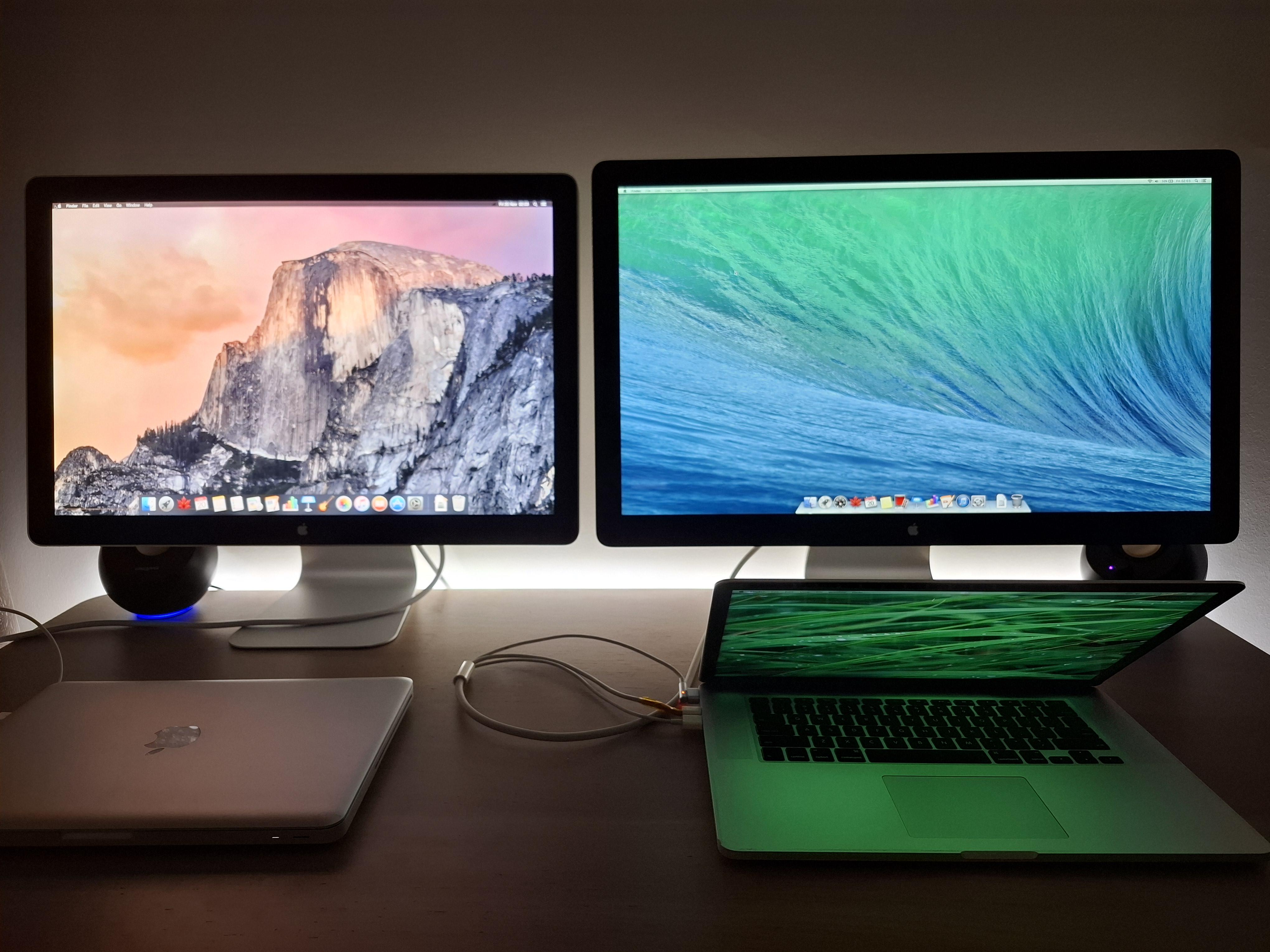
A 24" (A1267, 1920x1200) and a 27" (A1316, 2560x1440). Works simply with older Macs with a mini-DisplayPort or TB2 port, newer Macs with an adapter, or even Windows and Linux PCs out of the box. Downsides are the high power consumption and excessive glossiness.
r/macsetups • u/emerarudospurashuu • 8d ago

It's not as impressive as everyone's setups here, but it definitely is much more convenient. I use StarDesk to remote into the Mac mini from my iPad, so I can access my mini's desktop for all my projects even when Im at school or at work.
r/macsetups • u/ManuelSalcedo20836 • 9d ago

I'm a designer/dev, I spend most of the day here. Open to suggestions for the cable mess under the desk 😅
r/macsetups • u/Theo_the_Scorpio • 10d ago

Displays
Center: LG UltraFine 32UN880-B | 32” 4K IPS, 60Hz
Sides: 2× LG UltraGear 32GS60QC-B | 32” QHD, 180Hz, 1000R
Mount: HIPPOFLEX Triple Monitor Mount
Desk & Peripherals
Fully Jarvis Bamboo Standing Desk | 48” × 28”
12.9” M1 iPad Pro | Logitech Combo Touch Case (beat to hell)
Logitech MX Keys Mini
Logitech MX Ergo
Rest assured, the white walls are temporary — photos/art going back up soon.
r/macsetups
•
u/idealdreams
•
12d ago

M5 Max Mac Studio, 2x 27” 4K LG Ultrafine displays, Magic Trackpad, Nuphy Node 100 keyboard, Logitech MX Master 4 mouse.
Desk is the Jarvis sit/stand desk with bamboo contour surface. Chair is the Herman Miller Embody.
r/macsetups • u/Giorgioheins • 12d ago