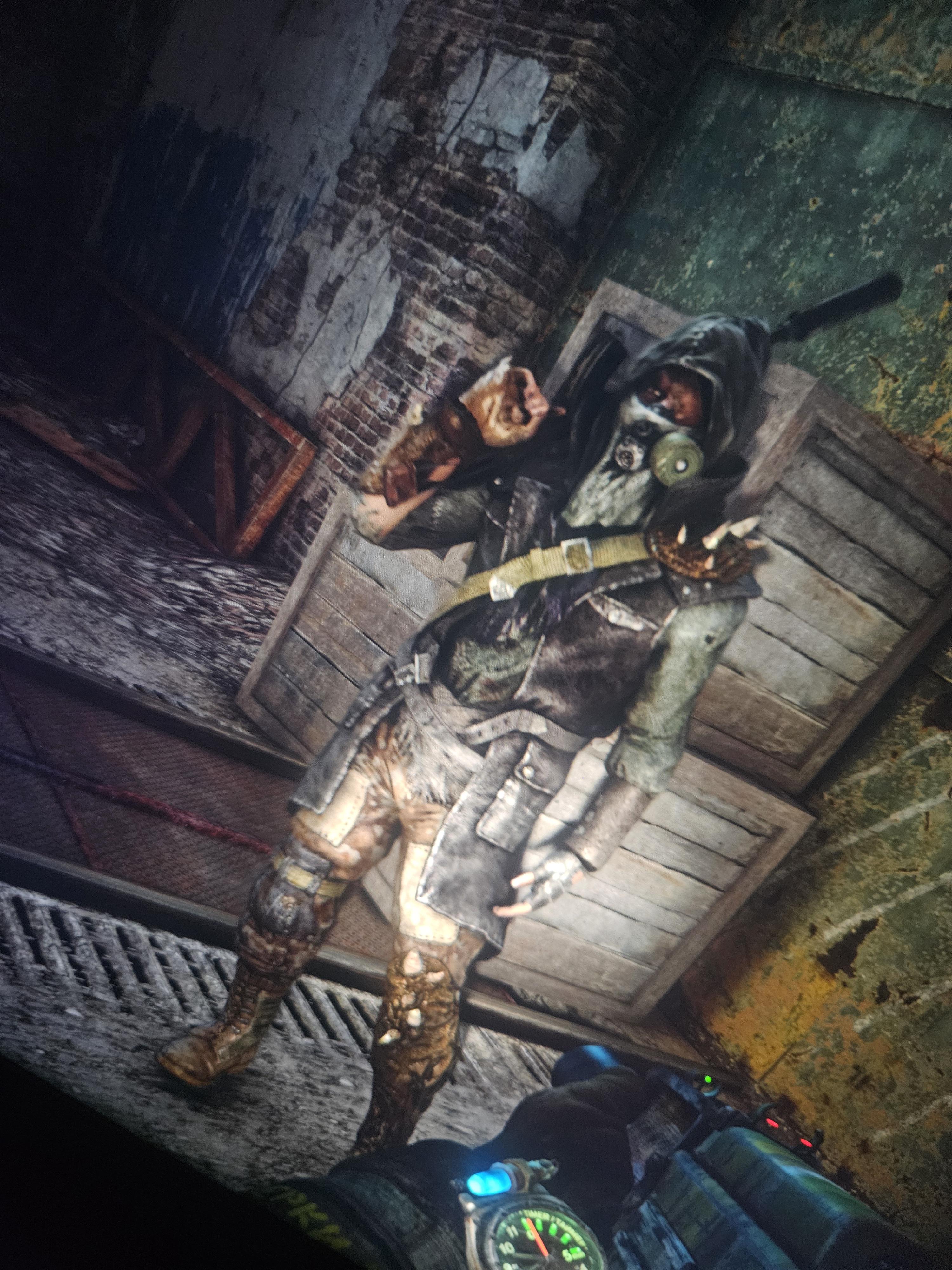
ITS THE LAST TROPHY I HAVE FOR GETTING %100 BUT ITS BUGGY NO MATTER WHAT I DO I COULDNT UNLOCK IT, DO AN UPDATE THAT AUTOPOPS THE TROPHY WHEN YOU FINISH THE GAME. WHAT KIND OF A CODE YOUVE WRITTEN THAT IT OVERRIDES THE DELETED SAVE FILES IM YET TO UNDERSTAND YOU MADE GREAT UPDATES TO FIRST TWO GAMES PLEASE DO THIS UPDATES MY OCD WONT LET IT GO I LL PROMOTE YOUR GAME TO 10000 PEOPLE IF YOU FIX THIS
Edit:
Metro Exodus (PS5) Fix for glitched "Untouchable" trophy (Sam's Story) using an offline dummy account
I died in a Batwing encounter, and Untouchable is also known to glitch, so I replayed Sam's Story on an offline dummy account and merged the trophies into my main account. It worked perfectly.
Before you start:
Your main account's local save data, screenshots and videos will be deleted from the console in step 6. Upload your saves to the cloud (PS Plus required) and copy captures to USB on PS4, or finish what you need first. Make sure all your trophies are synced.
Go to Settings > Users and Accounts > Other > Console Sharing and Offline Play and make sure it's ON on your main account. Otherwise the dummy account can't launch the game.
Steps:
Turn off your internet connection (Settings > Network).
Create a new user: Switch User > Add User > Get Started. Because you're offline, it creates a local offline profile. Do not use "Play as a one-time guest", because guest trophies are lost when you log out.
Optional check: Settings > Users and Accounts > Account should show "Sign In", which means the dummy isn't linked to any PSN account.
On the dummy account, launch Metro Exodus and play Sam's Story as a new game on Normal or higher. Don't die in the Batwing encounters. Get the trophies. You can use the speedrun tactic and finish in 5 minutes
Get any other missing trophies while you're still on the dummy account if u want.
While still offline, go to Settings > Users and Accounts > Users > Delete Users and delete your main user from the console. These will delete your saves and pictures everything your use has. Your PSN account, trophies and purchases are NOT affected. This is needed because one PSN account can only be linked to one user per console.
Turn the internet back on.
On the dummy account, go to Settings > Users and Accounts > Account > Sign In and log in with your main PSN email and password. The dummy profile now becomes your main account.
Go to Trophies > Options > Sync Trophies. The offline trophies merge into your main account. It may take a few minutes. Restart the console if they don't show up.
Finally, go to Settings > Users and Accounts > Other > Restore Licenses and check that Console Sharing and Offline Play is still ON.
Important: Never delete the dummy account before signing it into your main account, or the trophies will be lost.
No cheats or modded saves involved. It only uses built-in console features and works for offline, single-player trophies. Good luck!