r/thinkpad • • 28m ago

Discussion / Information Screen Keyboard Imprints

Thumbnail
gallery
3 Upvotes

I’ve had them in almost all of my previous Thinkpads, time to make a change. Not marketing or affiliated with these guys, I bought these.


r/thinkpad • • 45m ago

Review / Opinion Lenovo ThinkPad E16 Gen 3 AMD – Is this configuration worth buying?

1 Upvotes

Hey everyone,

I'm planning to buy a new laptop and have just finished customizing a Lenovo ThinkPad E16 Gen 3 AMD.

Here are the specifications:

  • CPU: AMD Ryzen 5 216 (6 cores, 12 threads, up to 4.7 GHz)
  • GPU: AMD Radeon 740M integrated graphics
  • RAM: 16 GB DDR5-5600
  • Storage: 512 GB PCIe 4.0 NVMe TLC SSD
  • Display: 16″ WUXGA IPS matte touchscreen, 300 nits, 60 Hz
  • Battery: 64 Wh
  • Camera: FHD 1080p + IR facial recognition
  • Fingerprint reader: Yes
  • OS: Windows 11 Home
  • Warranty: 3 year
  • Price: 900€
  • Country: Germany

I'll mainly use it for work, studying, programming, multitasking and occasional video editing.

Before placing my order, I'd love to hear your honest opinions:

  • Is the Ryzen 5 216 a good processor?
  • How is the build quality and battery life?
  • Is the touchscreen worth it?
  • Are there any known issues with this model?
  • Would you change anything in this configuration?
  • Are there better alternatives within the same price range?

I'd especially appreciate feedback from anyone who owns this laptop.

Thanks in advance!


r/thinkpad • • 1h ago

Question / Problem T430 Display upgrades

1 Upvotes

Hi, I've got a question

On the readily available LVDS to eDP adapter boards you can find on eBay and AliExpress, is the edp pinout standard ?

For example, if I connected any random old display with a standard eDP connector on it, would it work ?

I'm asking because I'd like to figure out a way to get a better display than the "common" IPS panels that are modded into those

Not saying too much in case it is in fact possible, as that would ruin the whole surprise element of the mod. But it may or may not involve self-lit pixels if you catch my drift ;)

P.S. : I'm talking about the base t430, not the t430s, and not the dGPU variant, just in case there's some nuance in that regard


r/thinkpad • • 2h ago

Question / Problem I opened my Lenovo x1 carbon but it wont turn on again+

Post image
2 Upvotes

I want to replace the NVMe SSD, but after opening the laptop, it won't turn on anymore. When I plug in the charger, the orange LED lights up, but nothing happens when I press the power button.


r/thinkpad • • 2h ago

Discussion / Information RJ45/LAN port on X1

0 Upvotes

Hi everyone,

Will Lenovo ever add LAN port to Thinkpad X1 series? I kinda like X1 series for its portability and build quality but the lack of LAN port forces me to buy T14 for work use.


r/thinkpad • • 3h ago

Hardware Upgrade Picked up a ThinkPad T420 — what should I upgrade first?

2 Upvotes

Found a ThinkPad T420 for $19 and couldn't resist picking it up.

At first I thought the motherboard was dead because it wouldn't charge or boot. Turns out the charger cable was damaged. Got a new charger and it booted up just fine. Pretty happy with this little find!

Here are the specs so far:

CPU: Intel Core i7-2640M

RAM: 4GB DDR3 (1 of 2 slots used)

Storage: HDD

Display: Original screen, working fine

Battery: Works, but battery health is around 58%

Motherboard: Working, as far as I can tell

For those who have worked on or upgraded a T420, what would you recommend doing first? Are there any upgrades or compatibility issues I should know about before buying parts?

Would love to hear what you guys think!


r/thinkpad • • 4h ago

Discussion / Information I still don’t understand why there’s a big red button right in the middle of a ThinkPad keyboard. What’s the point of it?

0 Upvotes

r/thinkpad • • 4h ago

Buying Advice ThinkPad T14 Gen 6 14 vs Yoga Pro 7i Aura Edition 15.3 vs ThinkPad X1 Carbon G13 Aura Edition

3 Upvotes

Hoping some input from the Reddit community can help me make a decision. All have 1 TB SSD and 32 GB RAM. All have 2 Thunderbolt ports. My Wifi does not reach my basement office, so I'll need a hard connection for ethernet cable (but will buy a Thunderbolt hub regardless of which computer I get and primarily use the machine connected to hub and external monitor).

Heaviest load may be 20-30 Chrome tabs, 2 Excel documents, and a Word document. I don't do any gaming. I definitely value security and drive encryption of Windows Pro (but only if it's easy to turn it off/on for USB drives that I may use on another computer in the house). I want something that is durable enough to last me 10 years and with specs that are sufficient for future increased resource demands.

The OLED screen on the Yoga Pro sure is pretty but I suspect that the two Thinkpad options are more durable. It seems like the X1 Carbon G13 is a clear winner over the T14 Gen 6, but perhaps I'm missing something. The cost difference is not terribly important to me between the three options but I HATE having to upgrade to new computer and change everything over, so durability is important. Thank you in advance for your time and input.

ThinkPad T14 Gen 6 14 at Staples for $1,649.99. Intel Core Ultra 7 258V. Windows 11 Pro. No touchscreen. RJ45 ethernet port.

Yoga Pro 7i Aura Edition 15.3 at Best Buy for $1,699.99. Core Ultra 7 356H. Windows 11 Home. OLED touchscreen. No RJ45 ethernet port.

ThinkPad X1 Carbon G13 Aura Edition at Costco for $1,499.99. Intel Core Ultra 7 258V. Windows 11 Pro. Touchscreen. No RJ45 ethernet port.


r/thinkpad • • 4h ago

Review / Opinion thinkpad x1 carbon gen 14 new US model offering (still disappointing)

1 Upvotes

I've been dying to get a new high end gen 14 aura model in the US since it debuted in the spring. Until recently, highest end CPU they offered was the 365H model. I checked their website today and they are finally offering 366H and 368H models. I was all set to order the 368H (higher cores and the full iGPU capability) but I was shocked that it only comes with a 32gb memory option. (the lower end 365H offers 64gb). And the SSD options are still gen 4. Both 64gb and gen 5 SSDs have been offered with 368H for months on many offerings in different companies. I guess the US market is a low priority. I'll wait until the gen 15 comes out and hope for the best.


r/thinkpad • • 5h ago

Question / Problem Return and rebuy Thinkpad P14s gen 7?

5 Upvotes

I bought a ThinkPad P14s gen 7 with a Panther Lake 356h/64GB/2TB/RTX Pro 500/45% NSTC a week ago for $2450 with $50 Rakuten cashback ($2400 net). Unfortunately, I learned today that I should've waited instead for the main Black Friday event because there's the same config on sale but with a RTX Pro 1000 and 3K display for $2800 with $350 Rakuten cashback ($2450 net). I was planning to manually replace the display for $100 on mine, so, all in all, I'd be paying $2500 for the RTX Pro 500 model vs $2450 for the RTX Pro 1000 model which has 2GB more VRAM! I'm thinking of returning my current model and buying the other instead, but I'm unsure if that'll cause any trouble because I found on Reddit some people reporting that Lenovo takes a long time to approve refunds for returns and Rakuten doesn't always pay out big cashback values, so I'm conflicted. Is returning worth the trouble? The extra VRAM isn't a necessity for me, but I'm sure it would be nice to have.


r/thinkpad • • 6h ago

Hardware Upgrade X1 Yoga Gen 7 owner here, can I swap my WUXGA screen for the 4K OLED?

1 Upvotes

Hey all,

Got an X1 Yoga Gen 7 with the basic WUXGA panel and I'm eyeing that 4K OLED. Anyone actually done this swap?

Main things I'm wondering:

Is it a straight drop-in, or do I need a different eDP cable / lid assembly?

My panel is touch screen, does that matter? Is the OLED touch-only?

Any BIOS issues after swapping?

I'm fine with the actual repair part, just don't want to buy a panel that won't fit lol

Thanks!


r/thinkpad • • 7h ago

Question / Problem Sweat smears on laptop (P14s Gen 5)

Thumbnail
gallery
8 Upvotes

I recently purchased a P14s Gen 5 AMD, and have sweaty hands. the keys and top lid is now sweaty too 😭

is there some solution?

the photo does not capture how it actually looks idk why. in reality its much worse.

i keep wiping these away, but they keep coming back...

laptop is PEAKKKKKK though im so happy i got a thinkpad instead of something else its PEAK


r/thinkpad • • 7h ago

Thinkstagram Picture My 2 ThinkPads running anything but Windows.

Post image
206 Upvotes

r/thinkpad • • 8h ago

Question / Problem T14 Gen 2A (20XL/20XK)/ Troubleshooting

1 Upvotes

Sorry if I’m vague whilst stating this, I don’t understand much and I’m really just trying to see if anyone knows more then me for troubleshooting this stuff.

I have a T14 Gen 2 (AMD r7 pro 5850u, 16GB ddr4 soldered 1x16, 256gb ssd) that will not work.

I turned it on recently, it beeped violently, it did not display when it did this, then turned off. The beep did not repeat after either.

I opened it up, found some water, immediately got worried. I started drying it, then took some isopropyl too it (Google suggested this, no clue if it was right or not) and dabbed it all over and let it dry again, I tried turning it on after I was done, no display, light worked for the power button with no sort of flashing, no sound, the red thinkpad LED on the back of the display was on, the Charging indicator worked as expected, but no display. No audio, I tried keyboard shortcuts such as FN + Space for backlight to see if the keyboard would respond, nothing. I also tried FN + Esc for Function Lock, same thing, and now I’m stuck. Condensation was somewhat found underneath the SSD, and underneath the power button area. They keyboard does not light up, the backlight of the screen does not, and other then the power button LED, the Red Thinkpad Logo LED, and charge indicator, everything has no sign of life. I’ve tried shorting the CMOS battery pins, disconnecting the batteries and reconnecting them, power button for 60 seconds for clearing left over power, and still nothing. Now, the LED for the power button is blinking, four blinks, then static, then off, and loops. No sign of life still. This thing was working earlier effortlessly, with no sign of trouble. Just all of a sudden.

If you can help me troubleshoot or diagnose what is wrong with this thing, I would greatly appreciate it, as of right now, I’m stuck.


r/thinkpad • • 9h ago

Question / Problem Does anyone buy a lower performing Thinkpad and remote into your home PC for performance?

6 Upvotes

Thinking about doing this. Curious your experience.


r/thinkpad • • 9h ago

News / Blog Set battery charge threshold without Vantage

Thumbnail reddit.com
3 Upvotes

r/thinkpad • • 9h ago

Thinkstagram Picture L14 G2

Post image
3 Upvotes

My new (to me) Thinkpad L14.

32GB RAM and eGPU via TB4.

Replaces my older Dell 7577, now running a Ubuntu server.


r/thinkpad • • 10h ago

Question / Problem Thinkpad x280

0 Upvotes

Saya pengguna Thinkpad x280,suka mati tiba tiba,saya copot semua port batre,nvme,tombol power,semua lalu reset tombol yg kecil pasang ulang hidup,bagaimana agar ini tidak terulang terus,apa ada yg pernah alami??


r/thinkpad • • 10h ago

Question / Problem Charging issue help needed

2 Upvotes

I currently have a Thinkpad p15 gen 1 and I'm having charger issues with the yellow slim tip charger

earlier this year the charger stopped working after so many years. I've had the laptop for 3-4 years now, so I thought maybe it's just wear and tear in the charger. I bought a new one which was the cheapest one on Amazon that would come relatively fast or was available with prime. The Lenovo chargers can get pretty expensive so I went for third party

All was good but then in October I had an issue where the charger tip had to be in a certain position to charge. So if I plug it in and it's not charging, I just needed to push it in a certain direction to work. The actual charging port seemed loose enough to where if I push the charger, it moves. Since I just replaced the charger this year and there's no physical damage that I can see, i decided to replace the actual DC in port since it was really easy to do so.

I changed the DC in port Halloween day which was good until yesterday on thanksgiving. During the day I would check in on the laptop as I was running some projects. I noticed that it kept dying. It's black Friday and come to find out I'm at the charger problem again. It can work when positioned correctly but still the same issue. Sometimes the laptop would show charging on windows, but the battery life would still drain. This also happened with the previous issue when I changed the DC in port.

Now I'm stuck not knowing what to do. Do I change the the DC in port again, buy new charger again or what?


r/thinkpad • • 10h ago

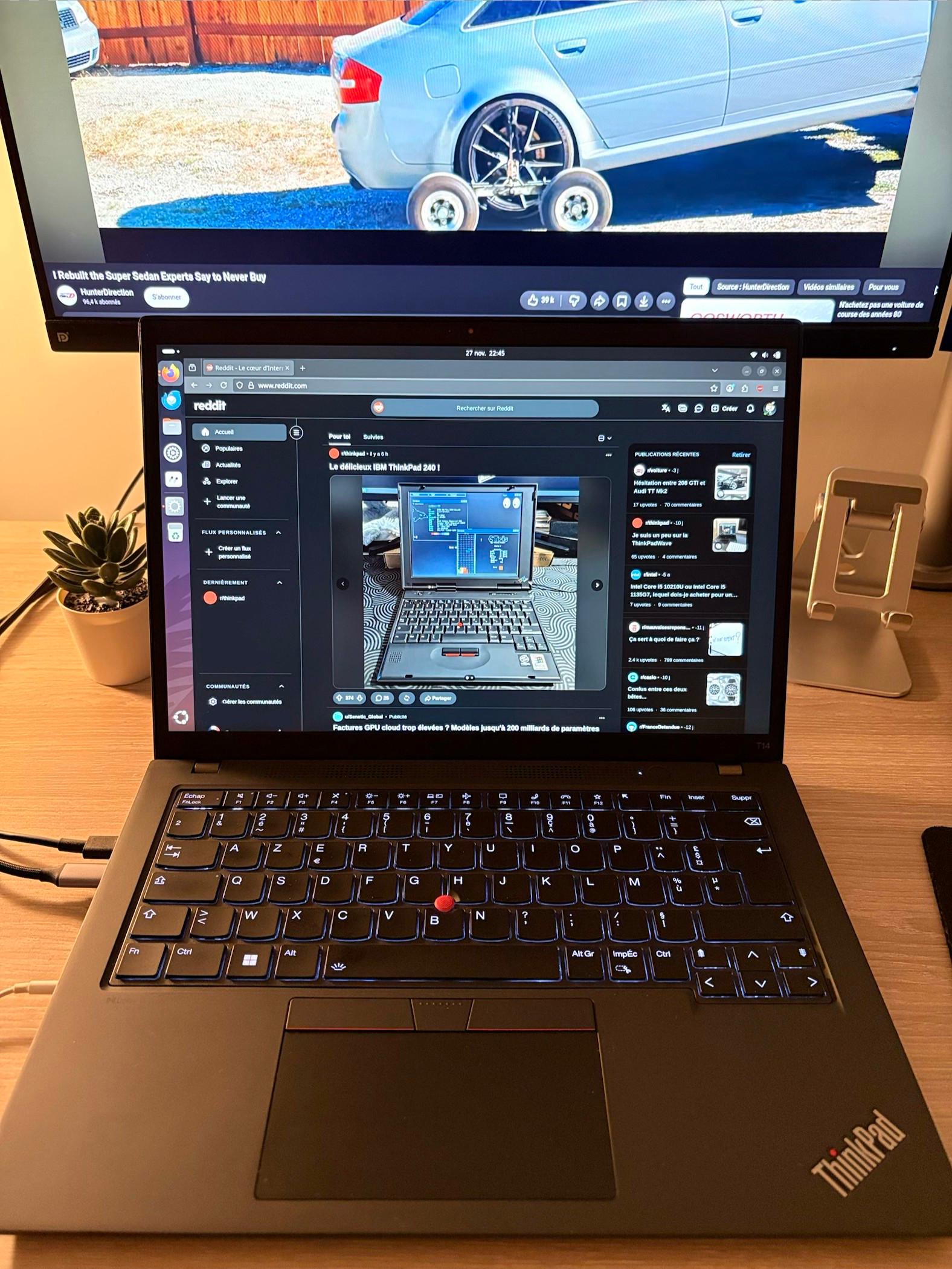
Thinkstagram Picture Back with a T14 Gen 3 :)

Post image
65 Upvotes

I have been looking for a cheap Thinkpad T, just to play with Linux on my free time and also in case anything happens with my primary one (Macbook Air M5). I started my journey 13 yrs ago with a T530 (at work), then got myself some others: T420, T480, T14 gen 2i and T15 Gen 5 AMD - all sold now. I have loved all of them. Reliable, durable, mostly silent, always cold, robust.

For various reasons I'm using an MBA as my primary machine, works well, nothing to complain about. But, I got to have a T again.

Found this Gen 3 for 185€ here in France. Took me around 3 weeks - daily checking - on the local second hand website to identify it. It has an i5-1245U, 16Gb of Ram (Soldered, then 1 free slot, yay!) and 256Gb of SSD. I suspect the screen to be the 300 nits screen, which is not a problem at all for my use. The machine came greasy, sticky, really bad looking. After 8 mins of cleaning, it looks really shinning new. Not dents, not hits, nothing visible, I found a little treasure.

Back in the days, I have always, ALWAYS had issues with linux in general - either installing it, updating it or just using it. At any moment, I ended up bricking my system. But I no way I'm giving up. I'm back with Ubuntu 26.04, the only OS on this machine, for a longer term test, on what is supposed to be a "certified" hardware.

2 things I did to make it running well, so far; installing Wayland Scroll Factor, setting the vertical scroll to 0,4 and Gnome-Tweak to accommodate the Caps Lock key so it types the numbers when enabled (yes the french layout is crap). So far, so good I have to say. Even "Suspend" works :))) I had a USB key in my drawer with 25.10 on it, installed it, updated it, upgraded to 26.04, everything works!

Fire your questions if any, otherwise, see you around!


r/thinkpad • • 11h ago

Question / Problem Help, Is it normal for it to make that noise? And if not, how do I fix it?

6 Upvotes

Is it normal for it to make that noise? And if not, how do I fix it?


r/thinkpad • • 11h ago

Buying Advice Would you get the Aluminum version of the T14S Gen 2 AMD Ryzen 7 Pro 5850U and 32GB RAM?

3 Upvotes

Anything wrong with the aluminum version? How much does it weigh?


r/thinkpad • • 12h ago

Buying Advice Help me find my wife's favourite keyboard (Lenovo ThinkPad Compact keyboard 0B47190)

Post image
263 Upvotes

Hi guys,

I'm trying to find the Lenovo ThinkPad Compact USB Keyboard (0B47190, QWERTY English), or ideally, a keyboard that feels as close to it as possible.

My wife is a blogger and writer, and she's been using this keyboard for several years. Whenever one stopped working, she'd simply order another one. However, from what I can tell, Lenovo stopped selling this particular model a few years ago. They used to cost less than $100, which makes it even more frustrating that they're so hard to find now.

One thing worth mentioning is that she never really used the red TrackPoint nub or the dedicated mouse buttons on the keyboard. All she cared about was how the keys felt when she typed. She would often say that her fingers just glided across the keys, and that the keyboard made writing so much more comfortable and enjoyable.

She's been using an Apple Mac keyboard for a while now, and she absolutely hates it. She's also moved fully into the Apple ecosystem, so ideally, whatever keyboard I get should work seamlessly with her Mac and other Apple devices.

Our anniversary is coming up, and I'd love to surprise her with something that gives her that same typing experience.

I'm trying to keep an open mind when it comes to the budget. Obviously, something reasonably priced would be great, but I'm more interested in finding the right keyboard than simply finding the cheapest option.

For anyone familiar with the 0B47190, are there any keyboards you'd recommend that have a similar typing feel and are compatible with Apple devices? I'd really appreciate any suggestions, especially from people who have used both! Thank you


r/thinkpad • • 13h ago

Buying Advice I got a P16 Gen 3 today with 1920x1000 screen. Should I cancel my order and upgrade?

Post image
5 Upvotes

From my post .. I'm questioning if I should cancel my custom order. I was thinking this would help battery life, but I'm not sure if it's a great trade off.

This upgrade is fine for my budget.

I will be using this to run 4-5 VMs simultaneously and will need to have split screen to do work. Both Windows and Linux. Also do visual rendering.

How big of a factor is burn in with OLED?

Any thoughts?