Guide last updated: 25/11/26
I’m writing this to make it easier to answer questions from other users. I’ll try to make everything as straightforward as possible here and keep this guide up to date. If any links are broken, an application no longer works, or you have any suggestions for additional content, let me know in the comments!
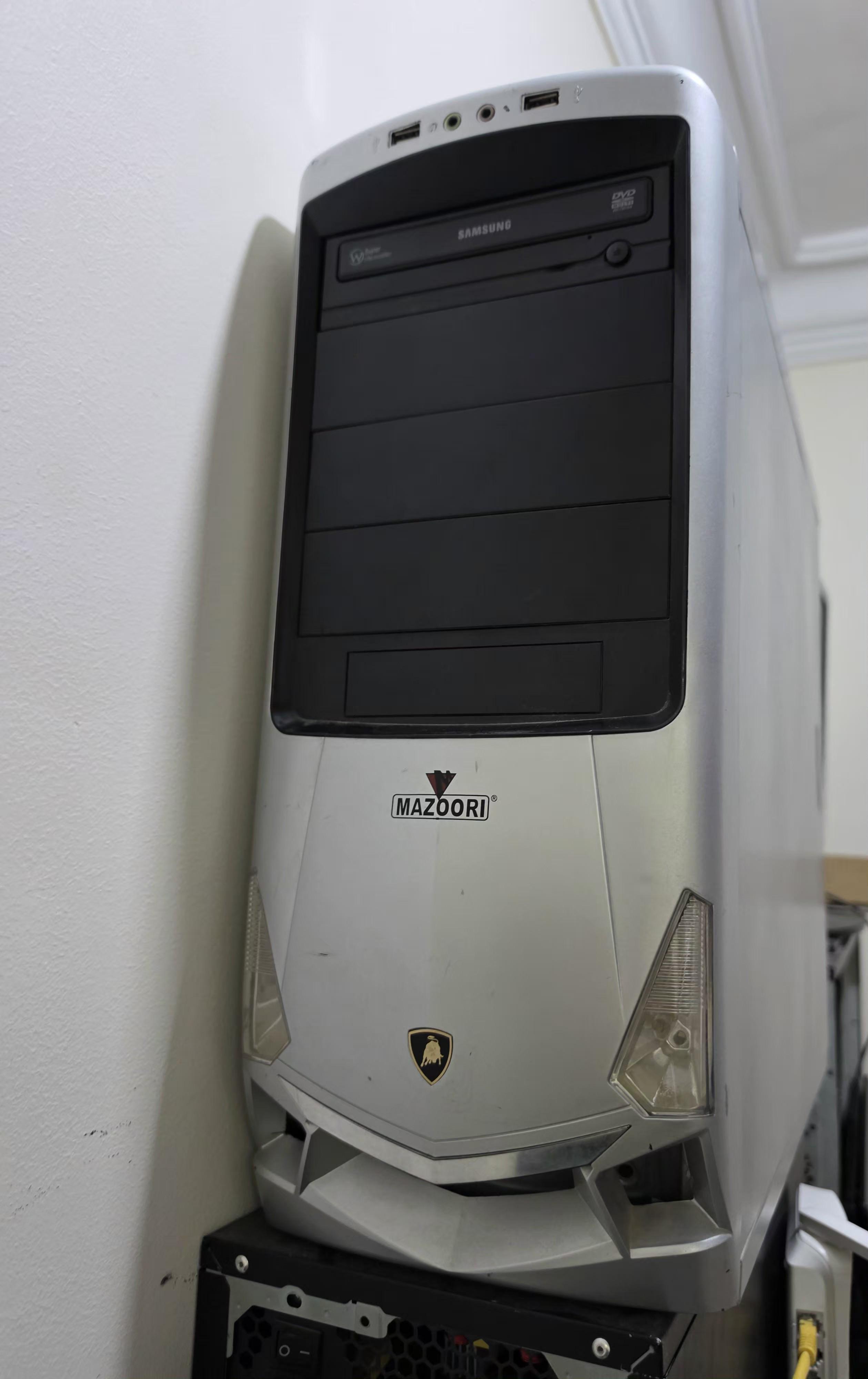
In this guide, I'm assuming you already have Windows XP installed on your device and that all the drivers are set up. If you'd like me to create a complete installation tutorial, let me know in the comments.
1. Software Update
First of all, if you’ve just installed Windows XP—regardless of the version (RTM, SP1, SP2, SP3, Professional, or Home)—without any updates, I recommend that you first update your system using the Legacy Update before using it. To do this, you’ll need an internet connection (and don’t let sensationalist YouTubers fool you—connecting this system to the internet won’t make it “explode”), and with this software, you’ll be able to update your system to SP3 (if it isn’t already installed), as well as update the network certificates and download all updates up to 2014—or up to 2019 if you enable POSReady updates
Legacy Update: https://legacyupdate.net/
In this Legacy Update as well, in addition to downloading critical updates, you can also download optional updates, updated versions of the .NET Framework and DirectX, updated drivers for your hardware, and extra software such as Windows Live Essentials 2009 and Microsoft Security Essentials—although I don't recommend installing both, since Live Essentials 2009 won't install and Security Essentials no longer updates its database
Visual C++ Redistributable: https://www.techpowerup.com/download/visual-c-redistributable-runtime-package-all-in-one/
2. Essentials for Basic Use
Microsoft Office 2003: https://archive.org/details/en_microsoft_office_2003_dvd_202505
Windows XP supports all versions of Office up to 2010, but I personally prefer to use the 2003 version on it, since it’s lighter, the design fits well, and—honestly—there isn’t much difference between this version and the 2007 and 2010 versions. This version of Office has also received quite a few updates, so I recommend that you get updates for it through Legacy Update as well
SumatraPDF: https://www.sumatrapdfreader.org/download-free-pdf-viewer
7zip: https://www.7-zip.org/download.html
K-Lite Codec: https://www.codecguide.com/download_mega_old.htm
As for browsers, although Supermium is a popular choice, I personally prefer Mypal because it’s based on Firefox, runs better on less powerful hardware, and offers better support for extensions like uBlock Origin and H264lify. However, since the newer versions of Mypal come as ZIP files rather than installers, this can make the process a little more complicated. First, download and install version 29.3.0
https://archive.org/details/mypal-29.3.0
Once it's installed, set it as your default browser, download the latest available version, extract the files, and replace the old files in the C:\Program Files\mypal folder with the new ones, then restart your computer. Mypal will now be your default browser and will be fully up to date.
https://www.mypal-browser.org/release/
Once updated, you can go to the Firefox Add-ons Store and install uBlock Origin and H264lify directly
https://addons.mozilla.org/en-US/firefox/addon/ublock-origin/
https://addons.mozilla.org/en-US/firefox/addon/h264ify/
Although I recommend that you access your email through a web browser, if you really want to use a native email client on Windows, I recommend using the latest compatible version of Mozilla Thunderbird, version 52.9.0
https://archive.mozilla.org/pub/thunderbird/releases/52.9.0/
As for antivirus software, although I don't use it and consider it an unnecessary waste of resources, if you really insist on having antivirus software on your computer, Panda Antivirus is the best option, since it still supports Windows XP and, compared to Avast, it's significantly lighter and more stable
https://www.pandasecurity.com/en/homeusers/free-antivirus/
3. Games and Additional Software
For extra content, I recommend visiting websites like OldVersion and Archive, where you can find lots of interesting things, such as game installation ISOs or installation files for old programs like Adobe Premiere Pro 2003, for example. Just remember to check certain files you download for viruses.
Archive: https://archive.org/
OldVersion: https://www.oldversion.com/
MyAbandonware: https://www.myabandonware.com/
I think that’s all. I’ll try to keep this guide up to date. As I said at the beginning, if any links are broken, an application no longer works, information is out of date, or you have suggestions for additional information, let me know in the comments! Thanks to everyone for your help.